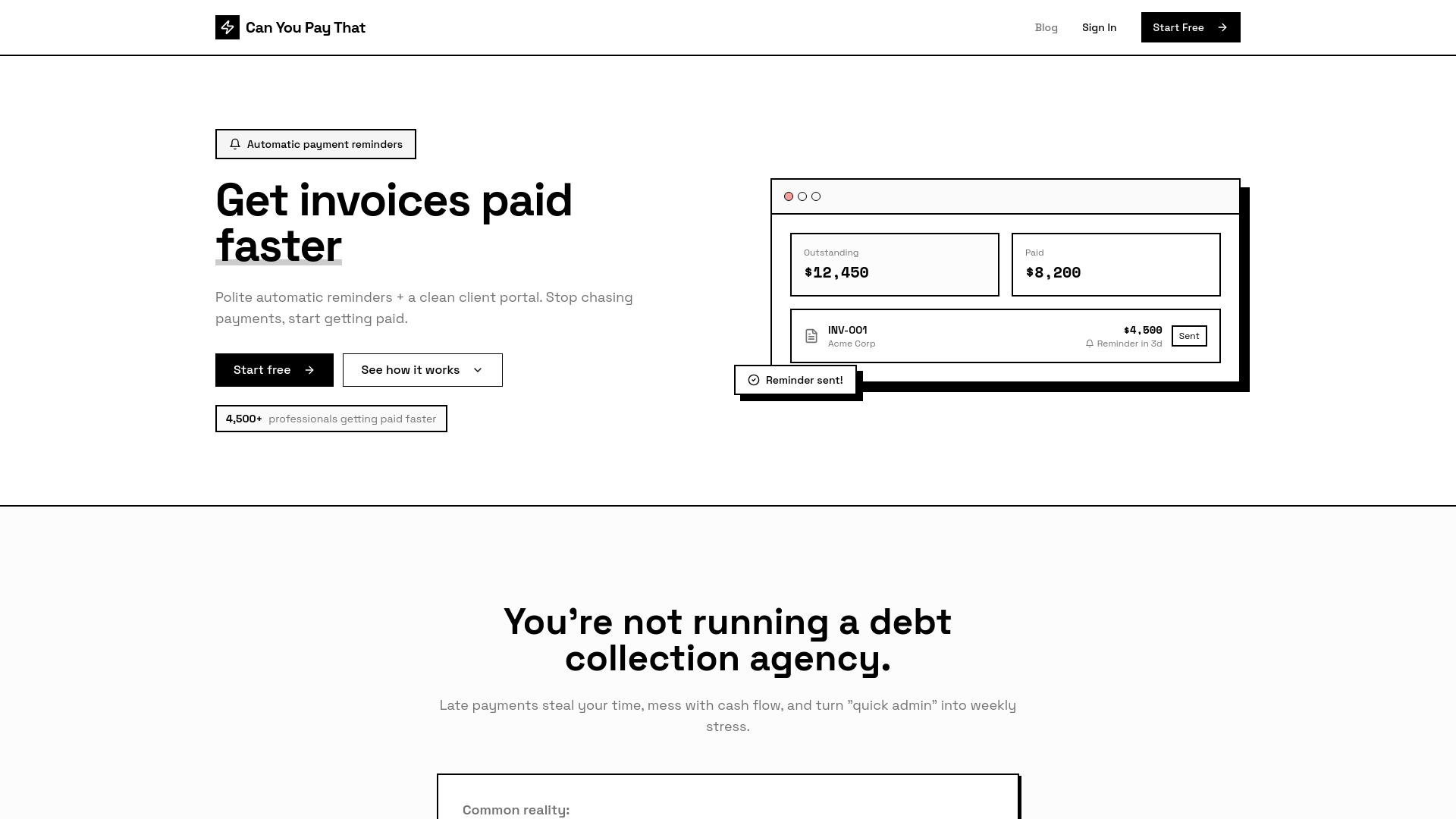
CanYouPayThat is a simple and fast invoice management solution designed specifically for freelancers and agencies. It helps users get invoices paid without the need for constant client chasing. By using automated follow-ups, the platform streamlines the invoicing process and ensures that clients are reminded politely and consistently.
The product allows users to create invoices either by uploading a PDF or using a quick builder. Invoices can be sent through a secure client portal link that requires no login. Automated reminder emails are sent according to a customizable schedule, and they stop immediately once the payment is made. Additionally, an optional Stripe 'Pay Now' link can be added for convenience. All email history, reminders, and payment status can be tracked in one centralized location, making it easy to manage all invoices efficiently.
| Benefit | Description |
|---|---|
| Get Paid Sooner | Consistent reminders reduce the chance of clients forgetting to pay. |
| Save Time | Eliminate manual follow-ups, spreadsheet tracking, and message drafting. |
| Stay Professional | Polite, branded reminders maintain a professional relationship. |
| Centralized Tracking | View all invoices, payments, and communication in one dashboard. |
| Plan | Price | Features |
|---|---|---|
| Free | $0/month | 1 team member, 3 clients, 10 invoices/month, default reminders, client portal, 30-day email log |
| Starter | $12/month or $120/year | 1 team member, 50 clients, 250 invoices/month, customizable reminders, editable templates, 12-month email log |
| Pro | $29/month or $290/year | Up to 10 team members, unlimited clients, 2,000 invoices/month, reporting dashboard, 24-month email log, priority support |
Perfect for teams that send invoices regularly and want to avoid the stress of follow-ups. Ideal for:
Especially helpful if:
Manual systems fail when you get busy. CanYouPayThat makes follow-up automatic, consistent, and trackable — without changing how you create invoices.