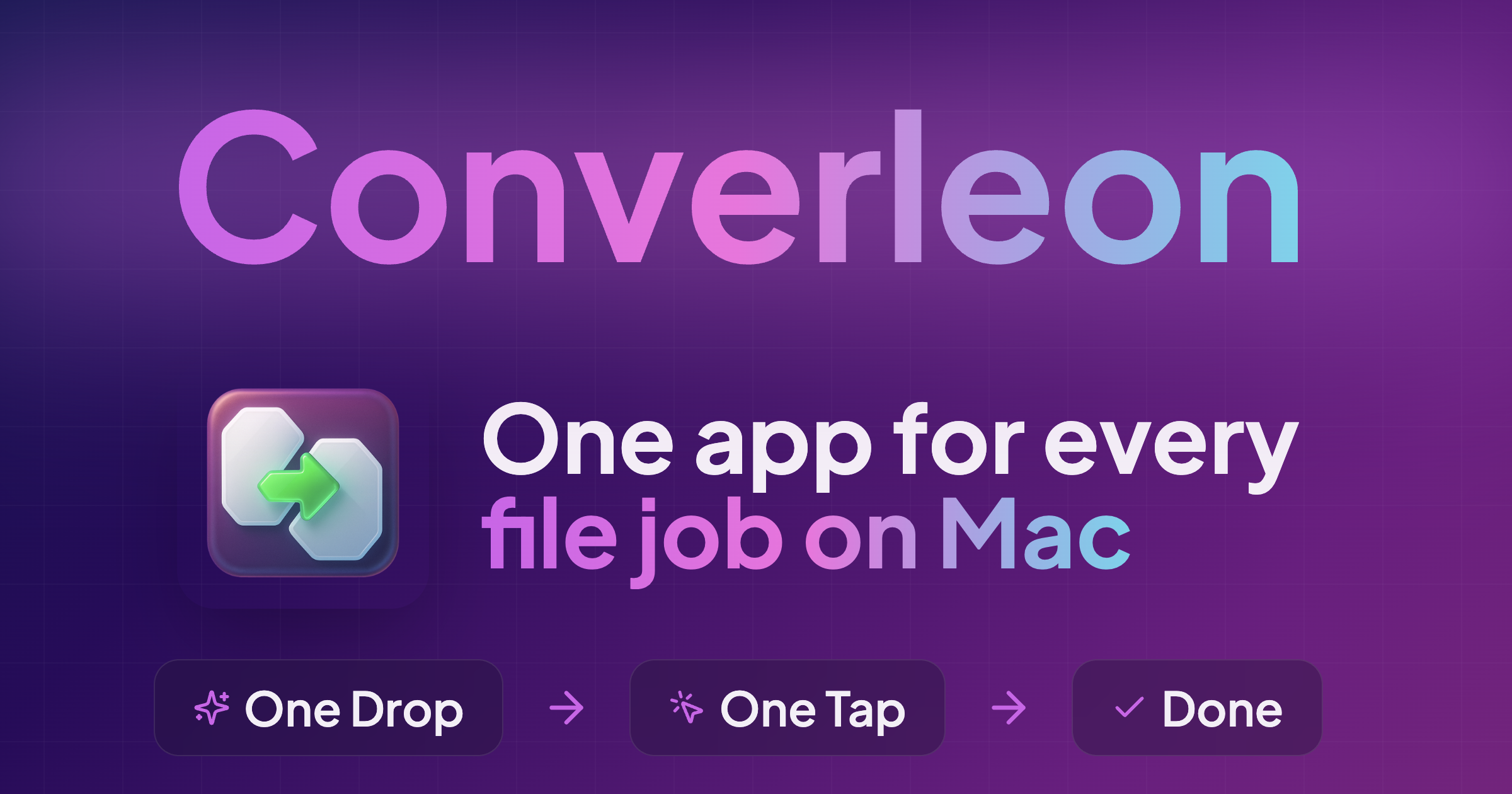
Introduction to Converleon — All-in-one file converter
Converleon is a privacy-first tool for macOS designed for those who value data security and simplicity. It allows users to batch convert files, merge PDFs from any source, extract audio, and manage archives without ever uploading a single byte to the cloud. The application is fully offline, with no subscriptions, tracking, or internet required. Users can simply drop their files into the app, select the desired format, and complete the task in one tap. This makes it ideal for handling sensitive documents and maintaining fast, distraction-free workflows.
The app supports a wide range of file types including images, video, audio, documents, PDFs, and archives. It offers features such as batch conversion, smart mixed file support, PDF merging, archive handling, and on-device processing. Whether you're converting iPhone photos, merging PDFs, extracting audio, or managing compressed files, Converleon provides an all-in-one solution that works seamlessly on macOS.
Takeaways
- Privacy-first: No cloud uploads, no tracking, no internet required
- Batch processing: Convert hundreds of files at once
- Smart file handling: Converts only compatible files, skips unsupported ones
- PDF tools: Merge PDFs from any source, export pages as images
- Archive support: Open and repack ZIP, RAR, 7Z, and more
- Offline and native: Fully functional without internet connection
How Converleon Works
Converleon operates entirely on your device, ensuring that all file conversions and manipulations are done locally. Users can drag and drop files into the app, choose the desired output format, and let the app handle the rest. For example, when merging PDFs, you can drop images, documents, and PDFs into the app, and it will automatically combine them into a single clean PDF. If there are incompatible files, they are safely skipped without disrupting the process.
For batch conversions, the app handles multiple file types simultaneously, making it efficient for large-scale tasks. When extracting audio from video files, the app ensures high-quality output without loss. Similarly, for archive management, users can open, unpack, and repack files like ZIP, RAR, and 7Z directly within the app.
Core Benefits and Applications
- Ideal for users handling sensitive documents or personal media
- Streamlines workflow by eliminating the need for multiple apps
- Perfect for offline environments or users concerned about online security
- Supports a wide variety of file formats and use cases
- Enhances productivity with fast, intuitive, and reliable operations