
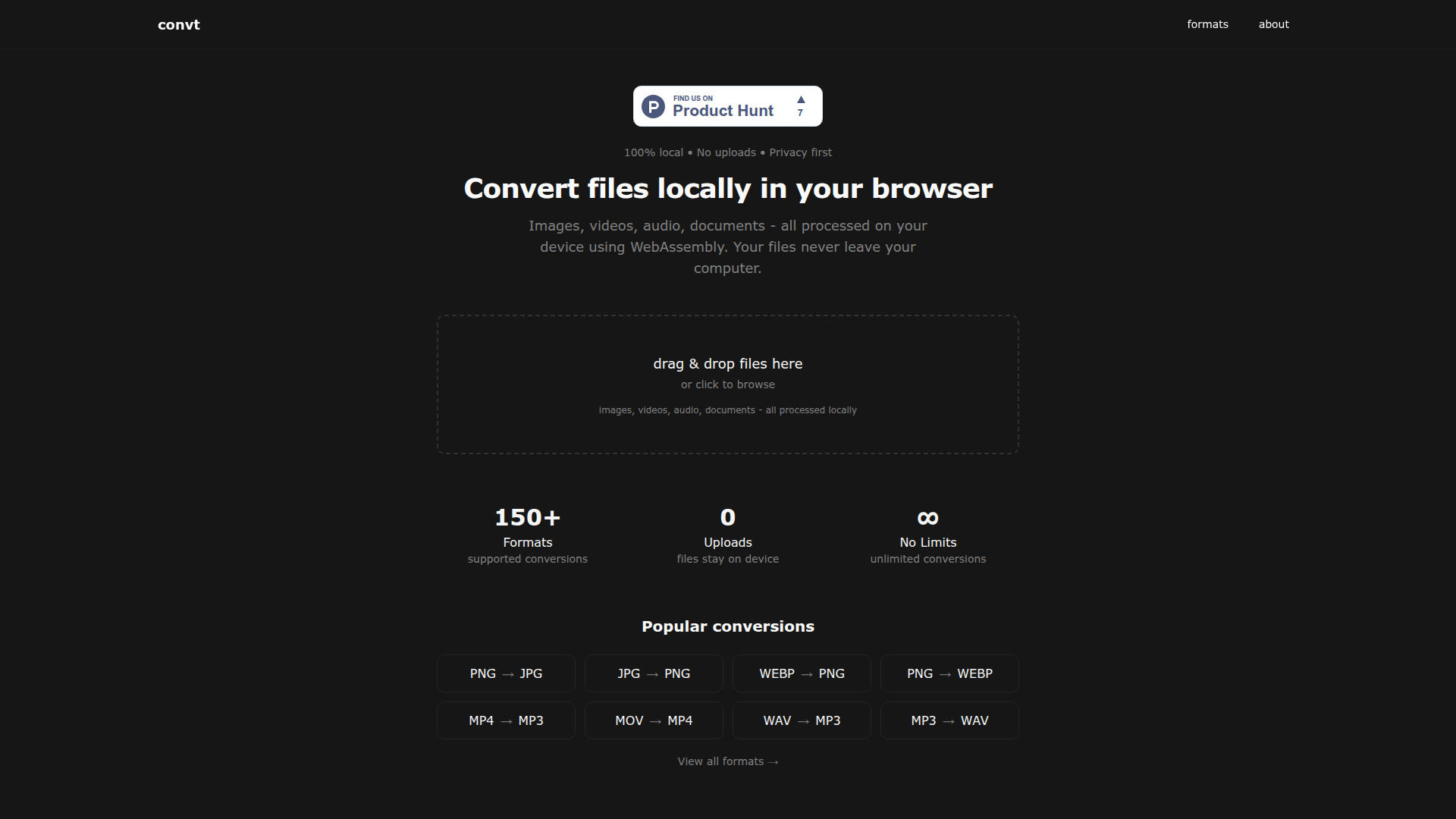
Introduction to Convt
Convt is a powerful file conversion tool designed to convert images, videos, and audio files directly in your browser. It supports over 150 different file formats, including common ones like PNG, JPG, MP4, MP3, and WebP. The tool is completely free to use and prioritizes user privacy by ensuring that no files are uploaded to any external server. All conversions are processed locally using WebAssembly, making the experience both fast and secure.
With its intuitive interface, users can easily drag and drop files or click to browse for the files they want to convert. Once selected, the user simply chooses the desired output format from a dropdown menu and downloads the converted file immediately. This streamlined process eliminates the need for third-party services, making Convt an ideal solution for anyone looking for a secure and efficient way to convert files without compromising their data privacy.
Takeaways
- 100% local processing: Files are never uploaded, ensuring complete privacy.
- Supports 150+ formats: Converts images, videos, audio, and documents with ease.
- No cost: Completely free to use with no hidden fees.
- Fast and secure: Utilizes WebAssembly for quick, on-device conversions.
- User-friendly interface: Simple drag-and-drop functionality makes it accessible for all users.
How Convt Works
Convt operates entirely within the user's browser, leveraging WebAssembly to perform file conversions on the device itself. This means that the entire process happens locally, without any data being sent to external servers. Users can upload files through drag and drop or by clicking to select them. After choosing the desired output format, the conversion occurs instantly, and the result is downloaded directly to the user's computer.
The workflow consists of three simple steps:
- Drop your file – Upload files via drag and drop or file selection.
- Choose format – Select the target format from a dropdown menu.
- Download instantly – Receive the converted file immediately after processing.
Core Benefits and Applications
Convt is particularly useful for individuals and professionals who need to convert files regularly but want to maintain control over their data. It is ideal for tasks such as converting image formats for web use, extracting audio from video files, or preparing documents for different platforms. Its emphasis on privacy and speed makes it a preferred choice for users concerned about data security and efficiency.




