
Logo
登录
Logo

最专注于开发者的语音AI平台

ISO 27001
ISO 27001
SOC 2
SOC 2
SSL/TLS
SSL/TLS
APPI
APPI
产品
  • 实时语音识别
  • 录音文件转写
  • 语音合成
  • 发音评测
  • DolphinTeams 双屏机
  • Tralingo AI翻译机
  • NihongoScore
资源
  • 文档
  • 博客
  • AI 应用
  • 在线体验
公司
  • 关于我们
  • 联系我们
  • 客户
法律
  • 隐私政策
  • 服务条款
  • 服务级别协议(SLA)
  • 基于特定商业交易法的标注
  • DolphinTeams 使用手册
© 2026 DolphinVoice All Rights Reserved.
产品JPG-to-Excel.Net
JPG-to-Excel.Net

JPG-to-Excel.Net

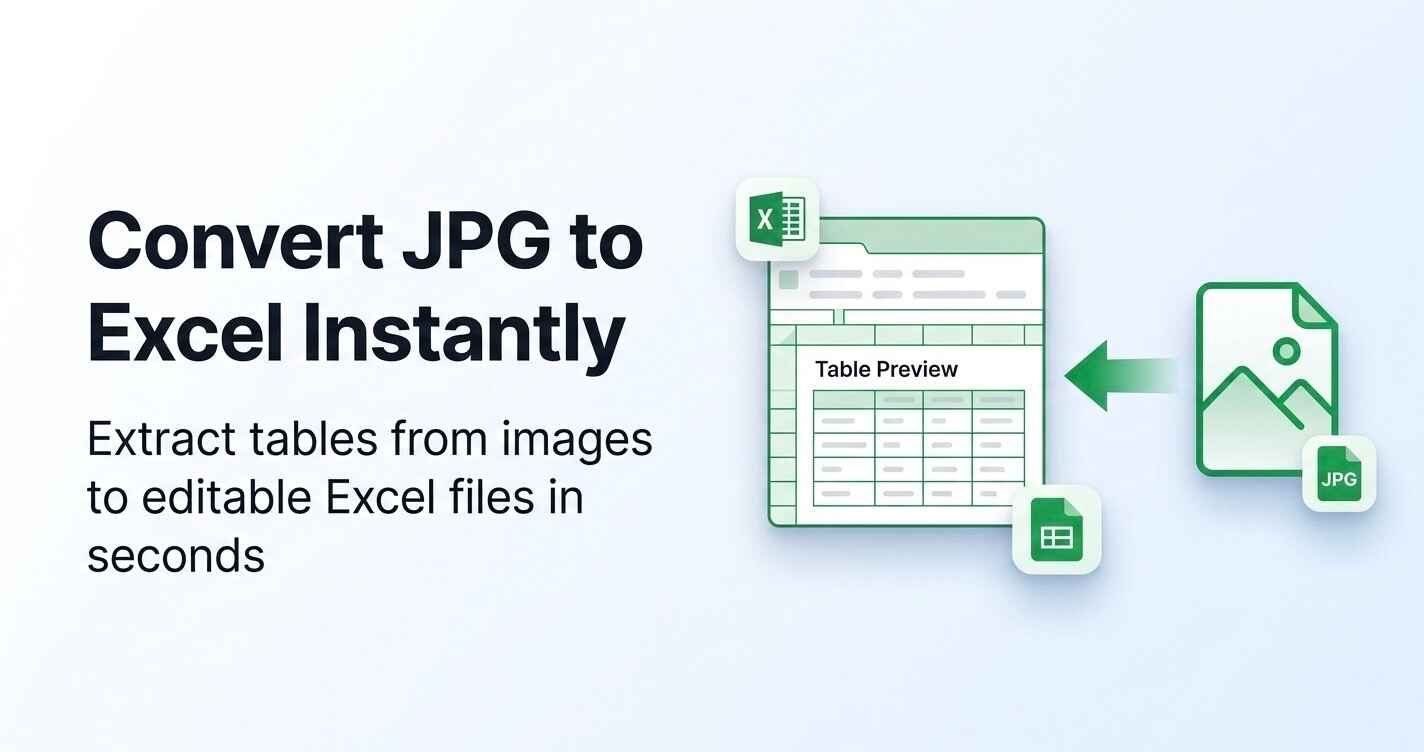
Convert JPG images into editable Excel sheets using AI OCR

0 点赞访问网站
JPG-to-Excel.Net Screenshot
JPG-to-Excel.Net Preview
访问网站

Introduction to JPG-to-Excel.Net

JPG-to-Excel.Net is an AI-powered OCR tool designed to convert image-based tables into editable Microsoft Excel spreadsheets. Whether you're dealing with scanned documents, invoices, or screenshots, this tool simplifies the process of extracting structured data without manual input. The platform supports common image formats such as JPG, PNG, and JPEG, making it a versatile solution for users who need to transform visual data into digital spreadsheets.

The tool operates entirely online, requiring no software installation or technical expertise. Users can upload images directly through a simple drag-and-drop interface, and within seconds, the system automatically detects table structures, recognizes text and numbers, and organizes the data into a clean Excel sheet. This makes it ideal for professionals, students, and businesses looking to streamline their data entry processes and improve efficiency.

Takeaways

  • AI-powered OCR technology for accurate table detection
  • Supports multiple image formats including JPG, PNG, and JPEG
  • Converts image tables into editable Excel sheets instantly
  • No software installation required
  • Secure and private processing with automatic file deletion
  • Free to use with no cost for single or batch conversions

How JPG-to-Excel.Net Works

  1. Upload Your Image – Select your JPG, JPEG, or PNG file from your device.
  2. AI Table Detection – The system scans the image, identifies table boundaries, and separates rows and columns.
  3. Data Structuring – Recognized text and numbers are formatted into Excel cells.
  4. Download Excel File – Save the structured Excel sheet for further editing or analysis.

Core Benefits and Applications

Use CaseDescription
Accountants & Finance TeamsConvert invoices, expense sheets, and financial reports into Excel for bookkeeping and analysis
Students & ResearchersExtract data from printed study materials, textbooks, and research papers
Business OwnersDigitize supplier price lists and sales records stored as images
Office AdministratorsTransform scanned reports into searchable Excel files for internal documentation
E-commerce SellersConvert inventory lists and catalog screenshots into actionable Excel sheets

This tool is particularly useful for anyone working with tabular data in image format, offering a fast, secure, and user-friendly way to convert and manage data.
标签

#JPG to Excel#OCR Tool#Image to Spreadsheet#Online Converter#AI Table Recognition#Scanned Document Conversion#Data Extraction#Excel File Conversion#Free Online Tool#Image Processing

精品推荐

Guideflow

Guideflow

The AI demo automation platform for SaaS

1259
CyberCut AI

CyberCut AI

AI video studio for viral social clips

706
Incredible

Incredible

Deep Work AI Agents - powered by Agent MAX

653
Typeless

Typeless

AI voice dictation that's actually intelligent

625

在 AI Apps 上免费展示您的应用

加入我们的创新者社区,让您的 AI 工具触达成千上万的每日用户。

申请展示
DolphinVoice Console

BlogPage.PromoContent.title

BlogPage.PromoContent.description

BlogPage.PromoContent.cta

