

Kliper - Privacy-first screen recorder
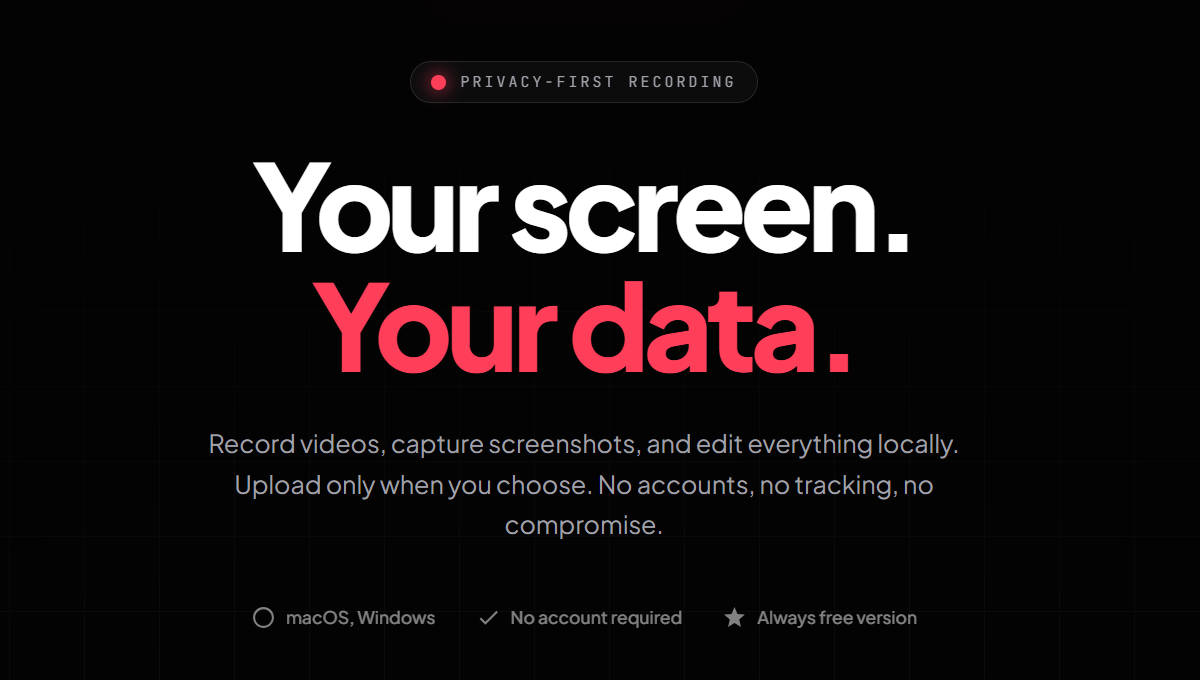
Your screen. Your data. Record videos, capture screenshots.
Introduction to Kliper - Privacy-first screen recorder
Kliper is a privacy-focused screen recording and screenshot capture tool designed for users who value control over their data. Unlike many other screen recorders, Kliper does not require an account, track user activity, or collect any personal information. All recordings and screenshots are stored locally by default, ensuring complete privacy. The application allows users to record full screen, specific windows, or custom regions with audio and webcam overlays. It also includes a built-in video editor for trimming and cutting recordings, making it a powerful yet simple tool for creating tutorials, demos, bug reports, and more.
The free version of Kliper offers unlimited recordings and editing capabilities, while the Pro version, available as a one-time purchase of $29.99, removes watermarks and enables direct uploads to YouTube and Google Drive. Kliper supports both macOS and Windows, offering a clean, no-bloat interface that prioritizes usability without compromising on features. Whether you're a content creator, developer, or educator, Kliper ensures your screen remains yours.
Takeaways
- No accounts, no tracking, no forced cloud storage
- Record full screen, window, or region with audio and webcam overlay
- Built-in video editor for trimming and cutting recordings
- Free version includes unlimited recordings and editing
- Pro version removes watermarks and enables direct uploads to YouTube and Google Drive
- Works on macOS and Windows
- Clean, no-bloat interface
How Kliper Works
Kliper follows a straightforward workflow to ensure privacy and ease of use:
- Record & Capture: Start recording instantly with a single click. Capture videos or screenshots and use the built-in editor to trim and refine your content.
- Store Locally: All recordings and screenshots are stored directly on your device. There is no cloud sync, auto-upload, or data collection by default.
- Share Videos: When ready, upload videos directly to YouTube or Google Drive and get an instant link. Screenshots remain local unless manually shared.
Core Benefits and Applications
| Feature | Description |
|---|---|
| Privacy | No accounts, no tracking, no data collection |
| Flexibility | Record full screen, window, or region |
| Editing | Built-in video editor for trimming and cutting |
| Sharing | Upload to YouTube or Google Drive when ready |
| Platform Support | Compatible with macOS and Windows |
| Free Version | Unlimited recordings and editing |
| Pro Features | Watermark removal, multi-device support, direct uploads |
Kliper is ideal for educators, developers, and content creators who want to maintain control over their screen recordings and screenshots.




