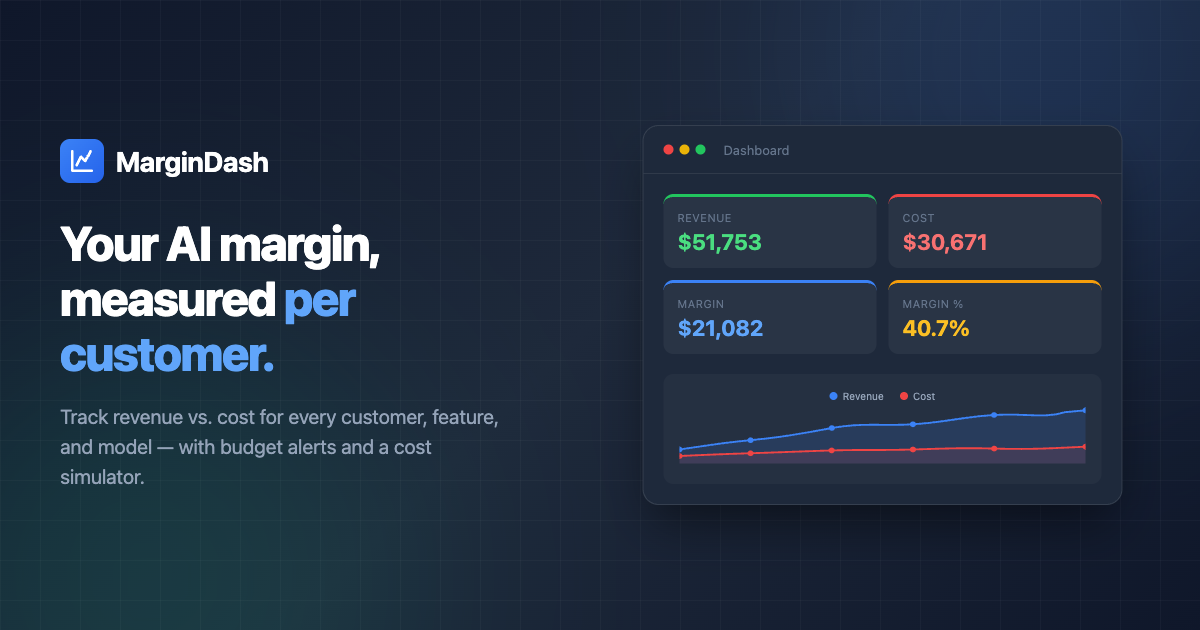
MarginDash is a powerful tool designed for SaaS teams that use AI APIs. It tracks AI API costs per call and ties them to Stripe revenue, allowing you to measure margins by customer, feature, and model in real time. By installing a lightweight SDK, you can log model names and token counts while Stripe invoices sync automatically. Provider rates are updated daily across 100+ models, ensuring your cost data is always current.
With features like dashboards, budgets, and alerts, MarginDash helps you control spending and run what-if simulations to find cheaper models ranked by quality per dollar. This enables you to optimize your AI usage and improve profitability. Whether you're looking to reprice, optimize, or have hard conversations with customers, MarginDash provides the data you need to make informed decisions.
MarginDash works by connecting your AI API costs to your Stripe revenue. Once installed, it logs model names and token counts after each AI call. These details are then tied to customer revenue from Stripe, allowing you to calculate margins per customer, feature, and model.
The platform provides real-time dashboards to monitor revenue, cost, and margin. You can set budgets and receive alerts when they are nearing their limits. Additionally, MarginDash allows you to simulate the cost of alternative models, helping you identify more cost-effective options without changing your code.
| Feature | Description |
|---|---|
| Dashboard | Real-time revenue, cost, and margin metrics |
| Budgets | Set and track budget limits with alerts |
| Cost Simulator | Simulate alternative models and their cost impact |
| Customers | View margin data per customer |
| Event Types | Track costs by specific AI event types (e.g., summarize, translate) |
| Pricing Updates | Daily provider rate updates across 100+ models |
| SDK Integration | Lightweight SDK for logging AI usage |
| Revenue Sync | Automatic sync with Stripe or custom billing systems |
| Privacy | No prompts or completions leave your servers |
To start using MarginDash:
npm install margindash (also available as pip install margindash)