
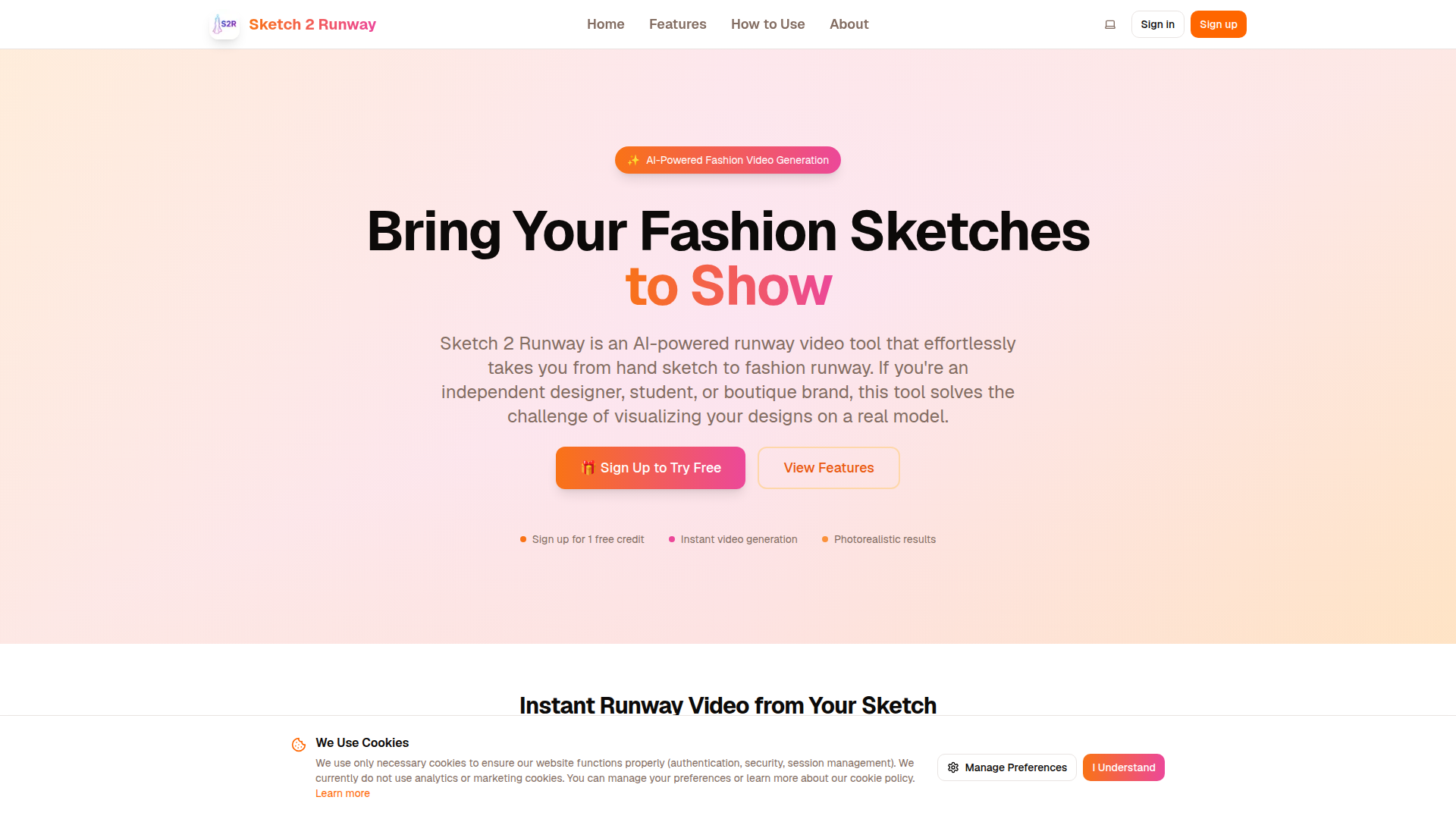
Introduction to Sketch 2 Runway
Sketch 2 Runway is an AI-powered tool that transforms fashion sketches into photorealistic runway videos. Designed for designers, students, and boutique brands, it provides a fast and cost-effective way to visualize clothing designs on a model in motion without the need for expensive photoshoots or real models. By simply uploading a sketch image, users can generate a short video showcasing their design as if it were featured on a real runway.
The platform leverages advanced AI technology to process the uploaded sketch, interpret fabric details, color schemes, and background settings, and then animate the design into a dynamic catwalk video. This allows users to quickly validate their design concepts, create marketing content, or enhance their creative portfolios with professional-looking visuals. The tool is built on cutting-edge AI pipelines, including Dreamina Video Generator, ensuring high-quality and realistic outputs.
Takeaways
- AI-powered transformation of fashion sketches into photorealistic runway videos
- No need for expensive photoshoots or real models
- Quick and easy to use with minimal technical skills required
- Customizable options for fabric, background, and video duration
- Safe and private, with no use of user data for training purposes
- Ideal for designers, students, and brands looking to showcase their work
How Sketch 2 Runway Works
Sketch 2 Runway operates through a straightforward process:
- Upload Your Sketch: Users upload a clear JPG or PNG file (up to 4.5MB) of their fashion drawing.
- Add Details (Optional): Users can select fabric material modes (Auto, Brief-Reference, Completely-Copy) and add optional descriptions to guide the AI.
- Customize Settings: Choose from different fabric presets, background options, and set the video duration (5 seconds or 10 seconds).
- Generate & Wait: Click 'Generate' and wait for the AI to create the video.
- Download & Credit: Once ready, download the MP4 file and include the required attribution text.
The AI processes the sketch, generates a realistic model image, and uses the Dreamina Video Generator to animate the model into a smooth runway clip. The final output is a high-quality video that mimics a real runway show.
Core Benefits and Applications
| Benefit | Description |
|---|---|
| Time-Saving | Quickly transform sketches into videos without lengthy production processes |
| Cost-Effective | Eliminate the need for expensive photoshoots or model hiring |
| Creative Flexibility | Customize fabric, background, and video duration to suit specific needs |
| Professional Quality | High-resolution, photorealistic videos suitable for presentations and marketing |
| Privacy & Security | User data is not used for training, and content filters ensure safe outputs |
Sketch 2 Runway is ideal for a variety of use cases, including:
- Designers and students prototyping collections or presenting ideas
- Boutique brands creating marketing content or product teasers
- Content creators generating engaging social media videos
- Enthusiasts adding dynamic visuals to creative projects or portfolios




