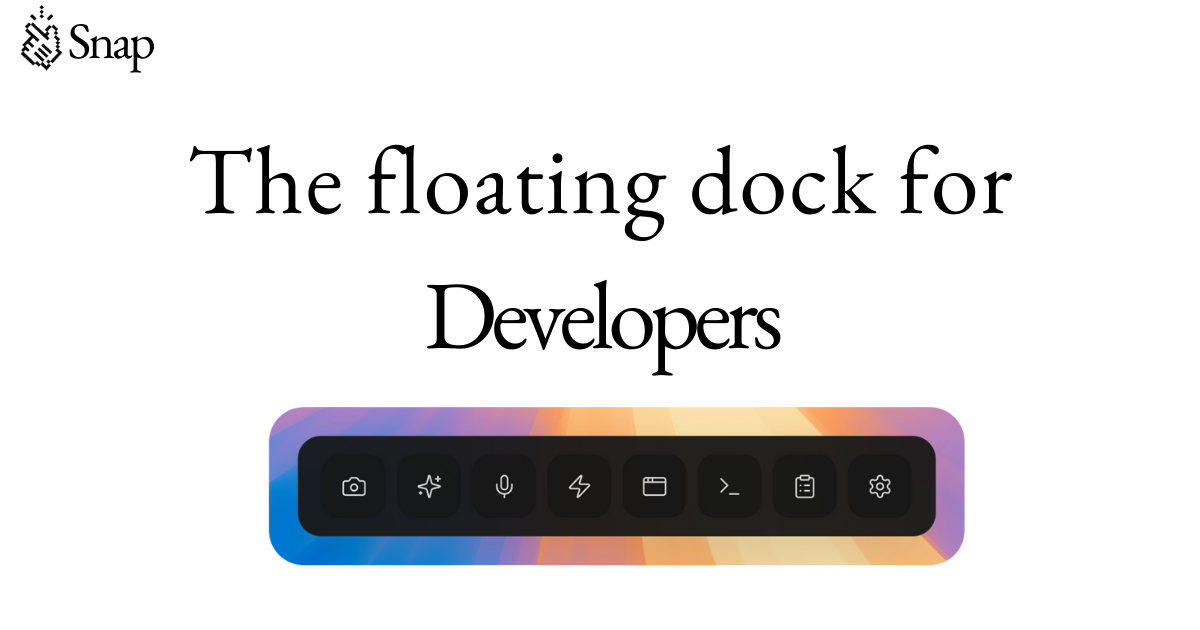
Snap is a floating developer dock that supercharges your AI coding workflow. Designed for developers, engineers, and indie hackers, it provides a seamless way to manage multiple tools, optimize prompts, and streamline your development process. With features like smart screenshots, prompt optimization, voice input, visual CSS editing, and custom automation buttons, Snap helps you work faster and more efficiently.
Used by over 10,000 engineers, Snap integrates with popular platforms such as Vercel, Figma, Tailwind, and more. It works alongside your favorite tools like VS Code, Cursor, and Xcode, offering a unified workspace that stays on screen at all times. Whether you're debugging, testing, or building new features, Snap ensures that your workflow remains uninterrupted and highly productive.
Snap floats on top of any application, allowing you to access your most-used tools without switching windows. It captures every open tool automatically, so you can save and restore your entire setup in one click. The dock also includes an Agent Session Manager that lets you monitor and control AI agents like Claude Code, Codex, and Cursor Agent in real time.
The Preview Window allows you to click on elements in your app and edit them visually, turning your CSS changes into clear prompts for your AI agent. The Smart Screenshot feature automatically numbers interactive elements, making it easy to reference specific UI components when working with AI tools like Claude or Cursor.
Snap is ideal for developers who want to enhance their AI-assisted coding experience. It reduces the time spent switching between applications, improves the accuracy of AI-generated code, and offers a streamlined way to manage complex workflows. Whether you're working on a solo project or collaborating with a team, Snap helps you stay focused and productive.
| Feature | Description |
|---|---|
| Workspace Snapshots | Save and restore your entire setup in one click |
| Agent Session Manager | Monitor and control AI agents in real time |
| Preview Window | Edit CSS visually and generate clear prompts |
| Smart Screenshot | Number interactive elements for precise AI communication |
| Prompt Optimizer | Structure rough ideas into clear, actionable prompts |
| Voice Input | Speak naturally to generate clean prompts |
| Custom Buttons | Launch tools and run scripts directly from the dock |