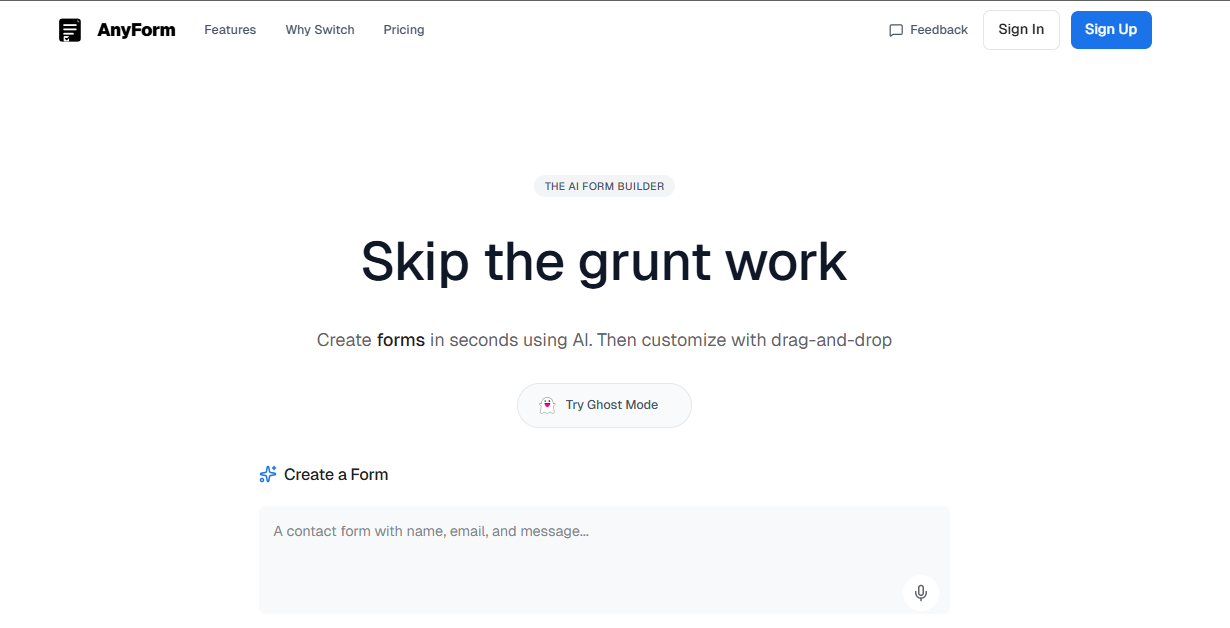
AnyForm is an innovative AI-powered form builder designed to streamline the process of creating and managing forms. Unlike traditional form builders that require users to navigate through multiple steps and options, AnyForm leverages artificial intelligence to generate forms in seconds based on simple user input. This makes it ideal for professionals, developers, and businesses looking to save time and reduce the complexity of form creation.
The product offers a unique 'Ghost Mode' that allows users to try the service without needing to sign up, making it accessible and user-friendly. With features like voice input, file uploads, and URL imports, AnyForm provides a versatile and efficient way to build forms tailored to specific needs. Once generated, users can further customize their forms using a drag-and-drop interface, ensuring flexibility and control over the final output.
AnyForm operates by allowing users to describe the form they need, either through text, voice, or by uploading files such as scanned documents or JSON data. The AI then analyzes this input and generates a fully functional form in under 30 seconds. After generation, users can edit the form using a drag-and-drop interface, adjusting fields, layouts, and logic as needed.
The process includes:
| Benefit | Description |
|---|---|
| Time Efficiency | Reduces form creation time from minutes to seconds |
| Ease of Use | Simple interface with no need for technical expertise |
| Flexibility | Supports various input methods including voice, files, and URLs |
| Customization | Drag-and-drop editor allows for fine-tuning of form design |
| Accessibility | Ghost Mode enables immediate testing without registration |
AnyForm is particularly useful for content creators, customer support teams, event organizers, and developers who need to quickly create and deploy forms without getting bogged down in complex setup processes.
Join our community of innovators and get your AI tool in front of thousands of daily users.
Get Featured