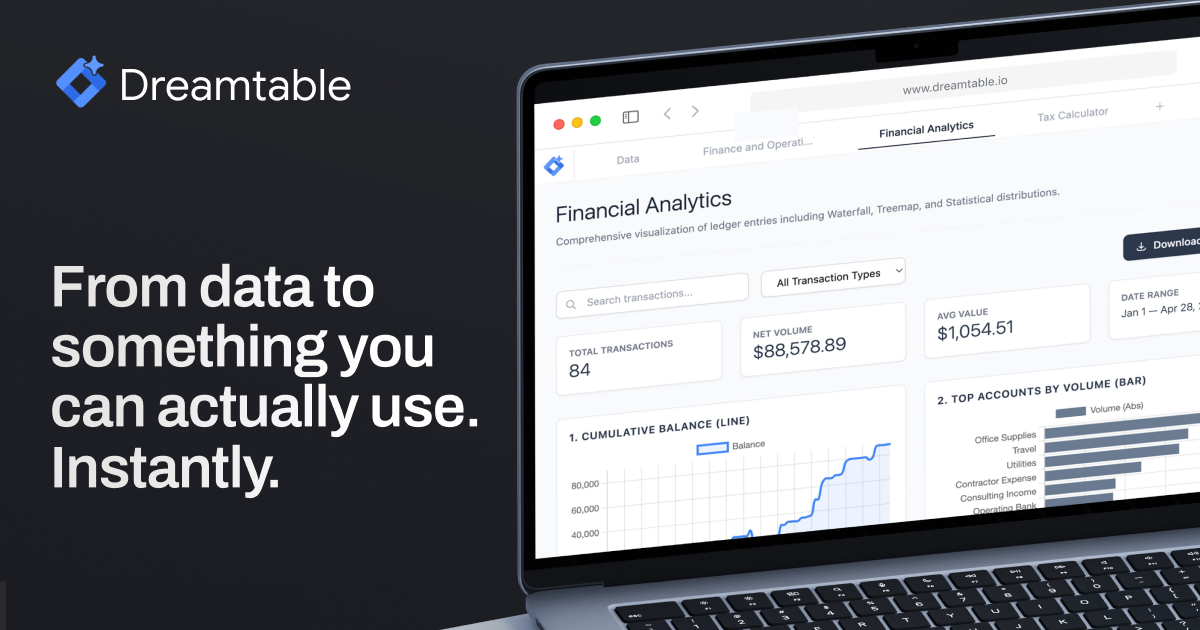
Dreamtable is a powerful tool that transforms any spreadsheet into a functional and interactive dashboard in seconds. Whether you're working with CSV or Excel files, Dreamtable leverages AI to streamline the process of creating professional interfaces without the need for manual setup. Instead of spending hours configuring data visualizations, reports, and tools, users can simply upload their data and describe what they need. Dreamtable's intelligent system then generates the required outputs automatically.
The product is designed for professionals who want to turn raw data into actionable insights quickly. It eliminates the complexity of traditional dashboard creation by offering an intuitive interface and AI-driven automation. From KPI tracking to report generation and CRM tools, Dreamtable empowers users to focus on analysis rather than configuration. This makes it ideal for businesses, analysts, and teams looking to improve data accessibility and decision-making processes.
Dreamtable operates on a simple yet powerful principle: input your data and describe your needs. The AI engine analyzes the file and understands the context of the data. Based on this, it automatically constructs the appropriate interfaces such as dashboards, reports, and tools. Users can iterate quickly by typing new prompts, allowing for real-time adjustments without complex coding or design work.
| Benefit | Application |
|---|---|
| Speed | Quickly convert data into usable interfaces without manual effort |
| Efficiency | Reduce time spent on setup and focus on insights |
| Flexibility | Easily update and modify dashboards with simple text commands |
| Professional Output | Generate polished reports and dashboards suitable for clients or internal use |
| Accessibility | Make data more accessible to non-technical users through intuitive interfaces |
Join our community of innovators and get your AI tool in front of thousands of daily users.
Get Featured