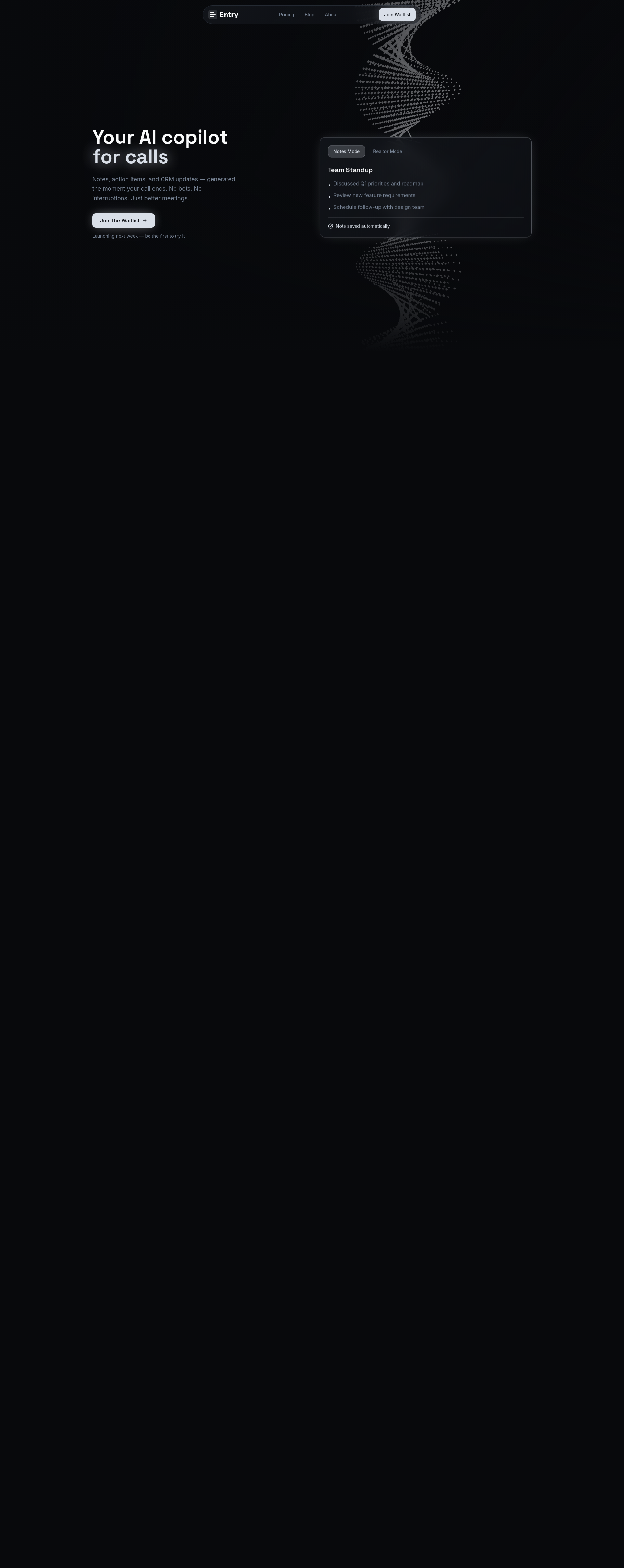
Entry is a desktop AI copilot that listens to your calls and generates structured notes, action items, and CRM exports the moment they end. Unlike other transcription tools such as Otter, Fireflies, and Fathom, Entry does not join your meeting as a bot. Instead, it captures audio directly from your desktop and microphone — meaning no one on the call knows it's there. This makes it ideal for professionals who want to maintain privacy and avoid disruptions during their meetings.
Entry works seamlessly with Zoom, Teams, Google Meet, phone calls, and any other audio source. It runs quietly in the background, capturing conversations and turning them into actionable insights. Whether you're in a team standup, client meeting, or real estate consultation, Entry ensures you never miss a key detail. Its intuitive design and powerful features make it an essential tool for anyone looking to improve productivity and organization after every call.
| Use Case | Feature | Benefit |
|---|---|---|
| Team Standups | Notes Mode | Clean summaries, organized sections, and action items |
| Client Meetings | AI-Generated Notes | Key decisions and takeaways in seconds |
| Real Estate Calls | Realtor Mode | Structured outputs with CRM-ready fields and follow-up templates |
| Remote Work | Live Coaching | Real-time prompts and reminders during calls |
| CRM Management | CRM-Ready Exports | One-click push to multiple platforms including HubSpot and Pipedrive |
Join our community of innovators and get your AI tool in front of thousands of daily users.
Get Featured