
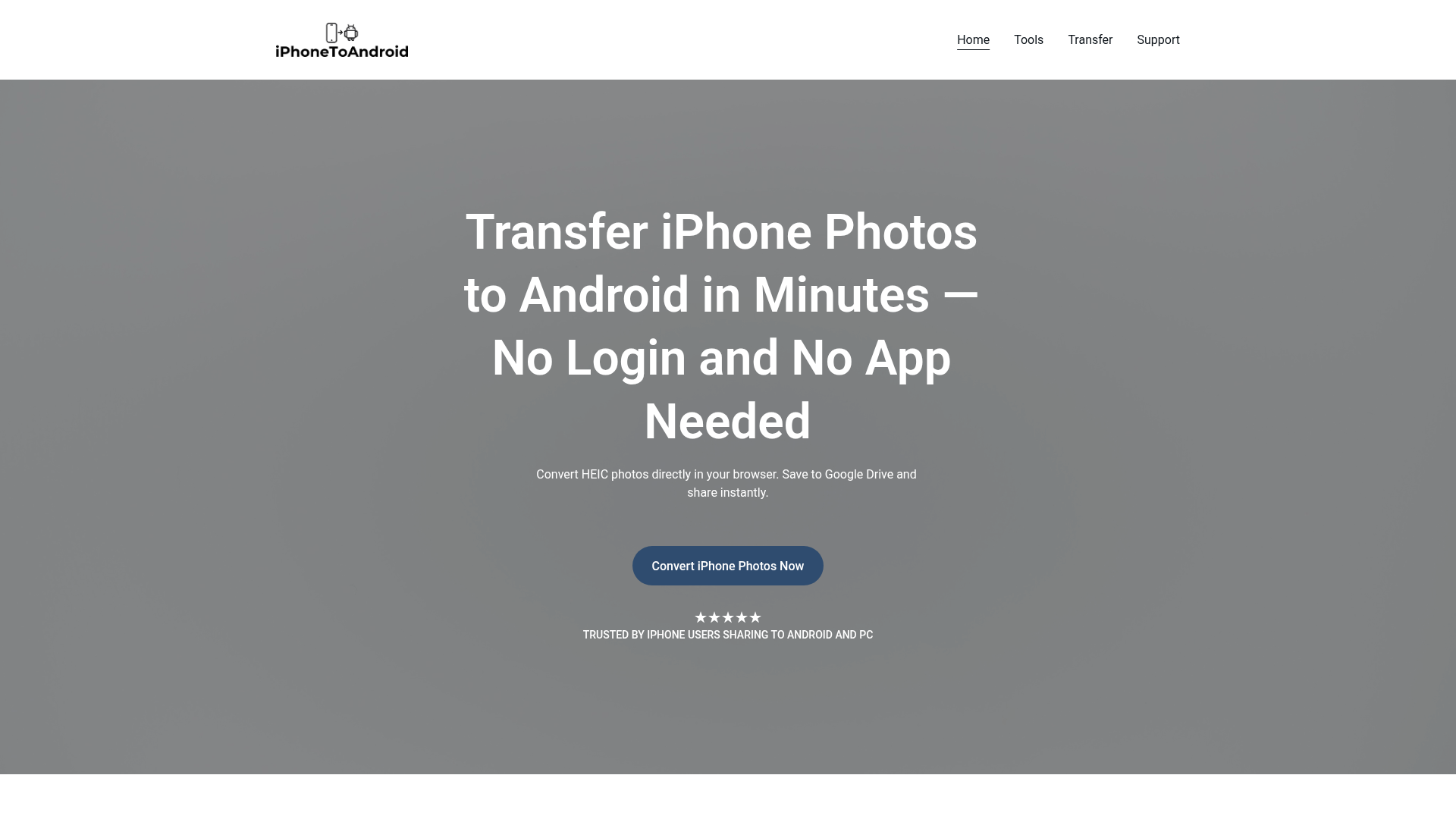
Introduction to IphoneToAndroid
Sharing iPhone photos outside the Apple ecosystem can be a frustrating and time-consuming process. IphoneToAndroid was created to simplify this experience by enabling users to convert HEIC files—common on iPhones—to widely compatible JPG format, directly in their browser. This tool eliminates the need for additional software or apps, allowing users to upload, convert, and share their photos instantly via Google Drive.
The product is designed as a focused Minimum Viable Product (MVP), developed by a solo developer with an emphasis on speed, simplicity, and security. It ensures that no photos are stored on its servers, maintaining user privacy while offering a seamless transfer process. Whether users are sharing photos with Android users, PC users, or simply looking to store them in a more accessible format, IphoneToAndroid provides a reliable and efficient solution.
Takeaways
- Convert HEIC photos to JPG directly in the browser
- No login or app required
- Photos are not stored on the server; they go directly to Google Drive
- Designed for speed, simplicity, and privacy
- Ideal for sharing with Android or PC users
- No installations needed
How IphoneToAndroid Works
IphoneToAndroid operates through a straightforward workflow:
- Upload: Users upload HEIC files from their iPhone via a web browser.
- Convert: The tool automatically converts the HEIC files into JPG format.
- Save: Converted images are saved directly to the user’s Google Drive account.
- Share: A single reusable link is generated for instant sharing across platforms.
This process ensures that users can quickly move their photos without leaving their browser or dealing with complex setup steps.
Core Benefits and Applications
| Benefit | Description |
|---|---|
| Ease of Use | No app or login required; works directly in the browser |
| Speed | Quick conversion and sharing process |
| Privacy | Photos are not stored on servers; direct transfer to Google Drive |
| Compatibility | Converts HEIC to JPG, making it easier to share with non-Apple devices |
| Flexibility | Supports both photo and video transfers (with video transfer coming soon) |
IphoneToAndroid is ideal for individuals who frequently share photos with Android users or need to store images in a more universally accessible format. It also caters to those who want to avoid the hassle of installing extra software or navigating complicated file-sharing processes.
Featured




Showcase your app on AI Apps for free
Join our community of innovators and get your AI tool in front of thousands of daily users.
Get Featured