

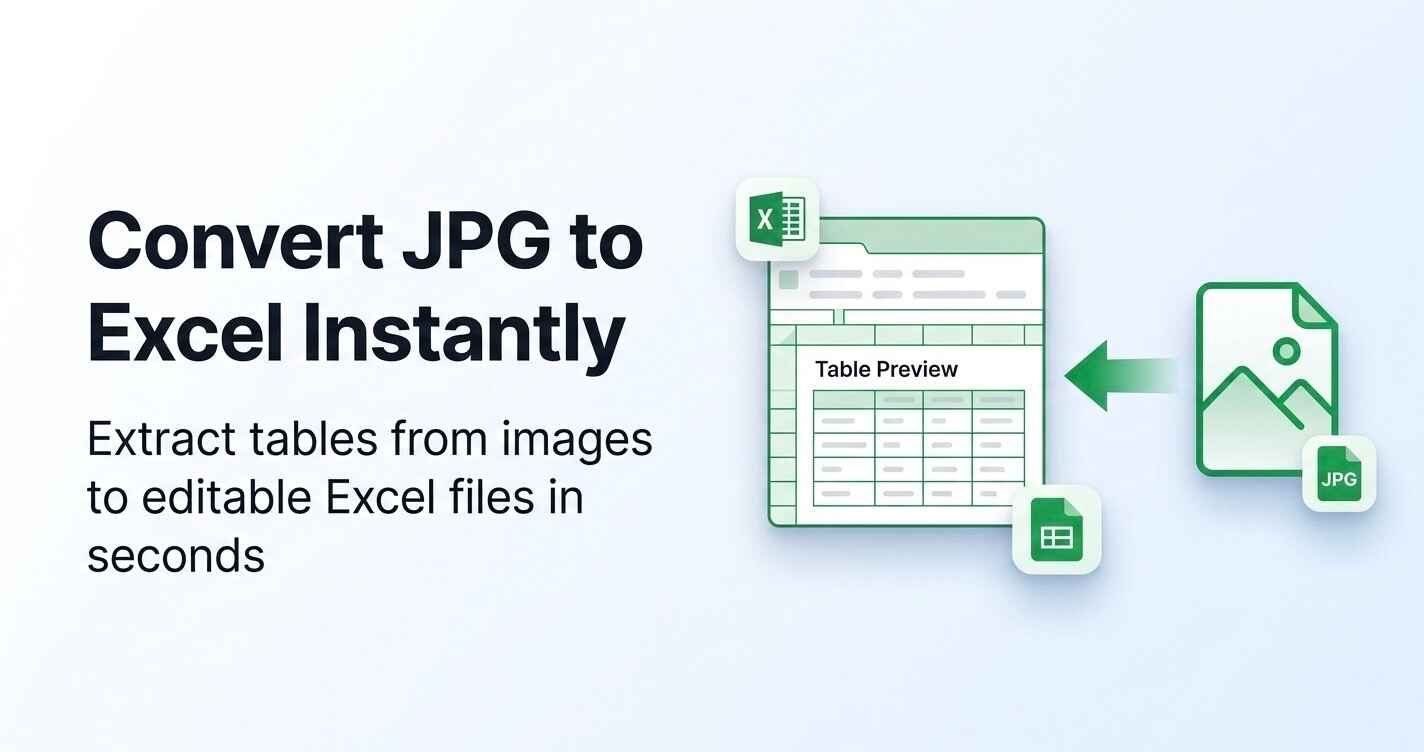
Introduction to JPG-to-Excel.Net
JPG-to-Excel.Net is an AI-powered OCR tool designed to convert image-based tables into editable Microsoft Excel spreadsheets. Whether you're dealing with scanned documents, invoices, or screenshots, this tool simplifies the process of extracting structured data without manual input. The platform supports common image formats such as JPG, PNG, and JPEG, making it a versatile solution for users who need to transform visual data into digital spreadsheets.
The tool operates entirely online, requiring no software installation or technical expertise. Users can upload images directly through a simple drag-and-drop interface, and within seconds, the system automatically detects table structures, recognizes text and numbers, and organizes the data into a clean Excel sheet. This makes it ideal for professionals, students, and businesses looking to streamline their data entry processes and improve efficiency.
Takeaways
- AI-powered OCR technology for accurate table detection
- Supports multiple image formats including JPG, PNG, and JPEG
- Converts image tables into editable Excel sheets instantly
- No software installation required
- Secure and private processing with automatic file deletion
- Free to use with no cost for single or batch conversions
How JPG-to-Excel.Net Works
- Upload Your Image – Select your JPG, JPEG, or PNG file from your device.
- AI Table Detection – The system scans the image, identifies table boundaries, and separates rows and columns.
- Data Structuring – Recognized text and numbers are formatted into Excel cells.
- Download Excel File – Save the structured Excel sheet for further editing or analysis.
Core Benefits and Applications
| Use Case | Description |
|---|---|
| Accountants & Finance Teams | Convert invoices, expense sheets, and financial reports into Excel for bookkeeping and analysis |
| Students & Researchers | Extract data from printed study materials, textbooks, and research papers |
| Business Owners | Digitize supplier price lists and sales records stored as images |
| Office Administrators | Transform scanned reports into searchable Excel files for internal documentation |
| E-commerce Sellers | Convert inventory lists and catalog screenshots into actionable Excel sheets |
This tool is particularly useful for anyone working with tabular data in image format, offering a fast, secure, and user-friendly way to convert and manage data.
Featured




Showcase your app on AI Apps for free
Join our community of innovators and get your AI tool in front of thousands of daily users.
Get Featured