
Logo
Log In
Logo

The Voice AI Platform Most Focused on Developers

ISO 27001
ISO 27001
SOC 2
SOC 2
SSL/TLS
SSL/TLS
APPI
APPI
Products
  • Streaming Speech-to-Text
  • Pre-recorded Speech-to-Text
  • Text-to-Speech
  • Pronunciation Assessment
  • DolphinTeams Dual-Screen Terminal
  • Tralingo AI Translator
  • NihongoScore
Resources
  • Docs
  • Blog
  • AI Apps
  • API Playground
Company
  • About
  • Contact
  • Customers
Legal
  • Privacy Policy
  • Terms of Service
  • Service Level Agreement (SLA)
  • Notations based on SCTA
  • DolphinTeams User Manual
© 2026 DolphinVoice All Rights Reserved.
ProductsmarkupR
markupR

markupR

Your AI coding agent can finally see your screen

0 VotesVisit Website
markupR Screenshot
markupR Preview
Visit Website

Introduction to markupR

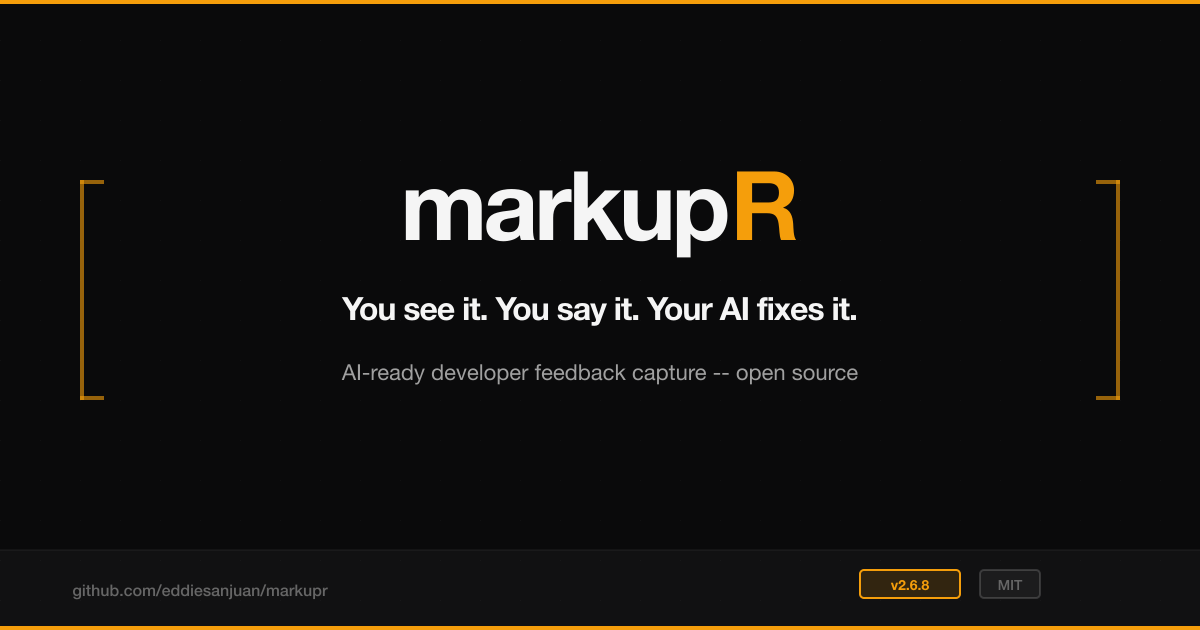
markupR is an open-source developer tool designed to bridge the gap between human insight and AI coding agents. Traditional workflows often require developers to describe bugs, take screenshots, and manually place them in context—this process is time-consuming and error-prone. markupR streamlines this by recording your screen while you narrate, then aligning your voice with video frames to produce structured Markdown reports with precise contextual cues. This allows AI agents to act on the feedback with minimal ambiguity.

The product is available as a desktop app, CLI, MCP server, and GitHub Action, making it highly versatile for integration into development workflows. With support for local transcription via Whisper and optional cloud-based OpenAI BYOK, markupR offers flexibility in privacy and performance. It is MIT-licensed, ensuring transparency and freedom for developers to use, modify, and extend the tool.

Takeaways

  • Screen and voice recording with real-time narration
  • Structured Markdown output with timestamps, frames, and context metadata
  • Supports multiple platforms: macOS (Apple Silicon, Intel), Windows, CLI, and MCP server
  • Integrates with AI coding agents: Claude Code, Cursor, Windsurf, GitHub Copilot, and more
  • Privacy-focused: Local transcription available; optional cloud transcription
  • Open source and MIT licensed

How markupR Works

markupR operates through a three-step workflow:

  1. Record + Narrate: Start a session and describe what you see in real time.
  2. Mark + Enrich: Manual shot markers confirm instantly, and after stopping, AI aligns the transcript with frames and adds context like cursor location, active window, and focused-element hints.
  3. Feed Your Agent: Paste the resulting Markdown into your AI coding agent, which can now act on the structured feedback.

The CLI also supports automation, allowing existing recordings to be processed without a desktop app. The MCP server enables AI agents to trigger markupR mid-conversation, capturing screenshots or recording sessions directly from within the agent’s interface.

Core Benefits and Applications

BenefitDescription
Faster debuggingReduces context-switching and manual documentation
Improved accuracyScreenshots are placed at exact moments, aligned with voice narration
Enhanced collaborationStructured reports can be shared in GitHub, Slack, or Linear
Flexible deploymentRuns locally or in CI/CD pipelines
Developer-friendlyBuilt for developers who read source code, with native macOS integration

markupR is ideal for developers, QA engineers, and teams working with AI coding agents who want to improve the quality and speed of bug reporting and feedback loops.

Tags

#AI coding agent#screen recording#Markdown output#open source#developer tool#code debugging#MCP server#CLI tool#GitHub integration#privacy-focused

Featured

Guideflow

Guideflow

The AI demo automation platform for SaaS

1259
CyberCut AI

CyberCut AI

AI video studio for viral social clips

706
Incredible

Incredible

Deep Work AI Agents - powered by Agent MAX

653
Typeless

Typeless

AI voice dictation that's actually intelligent

625

Showcase your app on AI Apps for free

Join our community of innovators and get your AI tool in front of thousands of daily users.

Get Featured
DolphinVoice Console

BlogPage.PromoContent.title

BlogPage.PromoContent.description

BlogPage.PromoContent.cta

