
Logo
Log In
Logo

The Voice AI Platform Most Focused on Developers

ISO 27001
ISO 27001
SOC 2
SOC 2
SSL/TLS
SSL/TLS
APPI
APPI
Products
  • Streaming Speech-to-Text
  • Pre-recorded Speech-to-Text
  • Text-to-Speech
  • Pronunciation Assessment
  • DolphinTeams Dual-Screen Terminal
  • Tralingo AI Translator
  • NihongoScore
Resources
  • Docs
  • Blog
  • AI Apps
  • API Playground
Company
  • About
  • Contact
  • Customers
Legal
  • Privacy Policy
  • Terms of Service
  • Service Level Agreement (SLA)
  • Notations based on SCTA
  • DolphinTeams User Manual
© 2026 DolphinVoice All Rights Reserved.
ProductsRemoveSounds
RemoveSounds

RemoveSounds

Extract, isolate and remove sounds from your audio files

0 VotesVisit Website
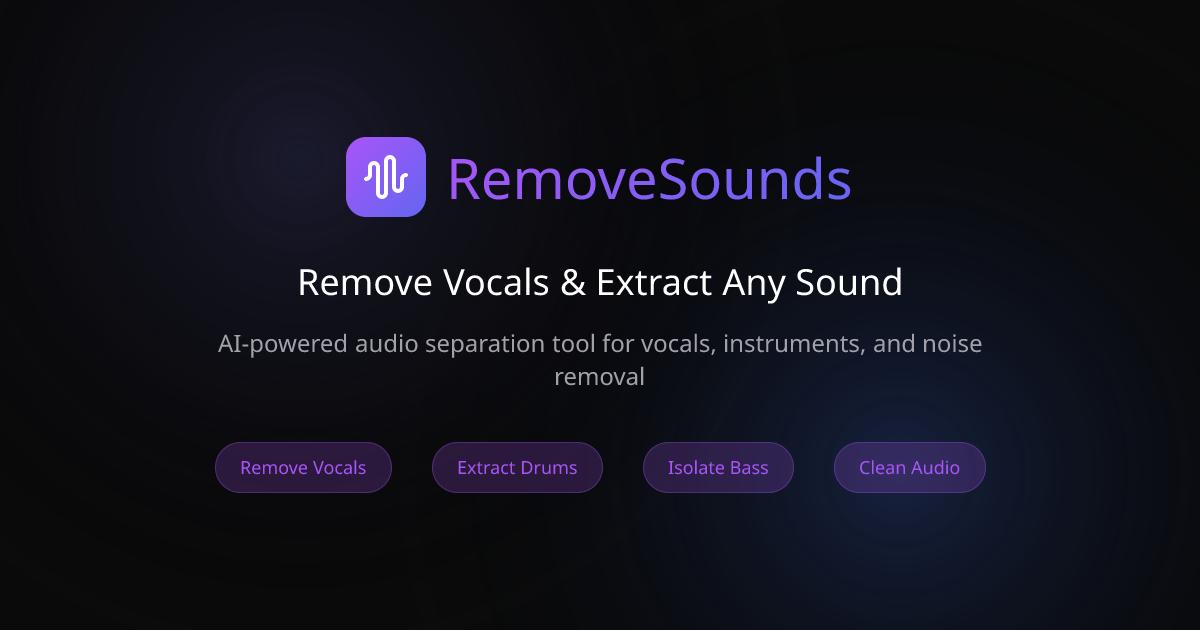
RemoveSounds Screenshot
RemoveSounds Preview
Visit Website

Introduction to RemoveSounds

RemoveSounds is an AI-powered tool designed to extract, isolate, and remove specific sounds from audio files. Whether you're a musician, podcaster, or content creator, this platform offers a powerful solution for audio editing without the need for complex software. With its intuitive interface and advanced neural networks, RemoveSounds allows users to quickly process their audio files and achieve professional-grade results in seconds.

The tool supports a wide range of audio formats including MP3, WAV, OGG, and FLAC, and it works directly in your browser, making it accessible and easy to use. From removing background noise to isolating vocals or instruments, RemoveSounds provides a flexible and efficient way to enhance your audio content. It also ensures privacy and security by encrypting files during transfer and automatically deleting them after processing.

Takeaways

  • AI-powered audio separation
  • Supports multiple audio formats (MP3, WAV, OGG, FLAC)
  • No software installation required
  • Fast processing time (under a minute)
  • Private and secure file handling
  • Free tier available with limited features
  • Advanced features available with paid plans
  • Offers both extraction and removal of sounds

How RemoveSounds Works

  1. Upload: Drag and drop any supported audio file into the platform.
  2. Describe: Specify what you want to extract or remove (e.g., vocals, drums, background noise).
  3. Download: Receive your processed audio files instantly.

This streamlined process makes it simple for users of all skill levels to achieve high-quality audio results without technical expertise.

Core Benefits and Applications

Use CaseDescription
Karaoke TracksRemove vocals to create instrumental versions of songs
Podcast CleanupEliminate background noise for clearer audio
Music ProductionIsolate specific instruments for remixing or mastering
Audio EditingExtract or remove specific sounds for custom content
Voiceover EnhancementImprove clarity by reducing unwanted noise

Whether you're working on music production, podcast editing, or sound design, RemoveSounds offers a versatile solution to enhance your audio projects.

Tags

#AI audio separation#vocal removal#instrument extraction#background noise reduction#audio enhancement#online audio tool#free audio editor#music production software#podcast editing#sound isolation

Featured

Guideflow

Guideflow

The AI demo automation platform for SaaS

1259
CyberCut AI

CyberCut AI

AI video studio for viral social clips

706
Incredible

Incredible

Deep Work AI Agents - powered by Agent MAX

653
Typeless

Typeless

AI voice dictation that's actually intelligent

625

Showcase your app on AI Apps for free

Join our community of innovators and get your AI tool in front of thousands of daily users.

Get Featured
DolphinVoice Console

BlogPage.PromoContent.title

BlogPage.PromoContent.description

BlogPage.PromoContent.cta

