
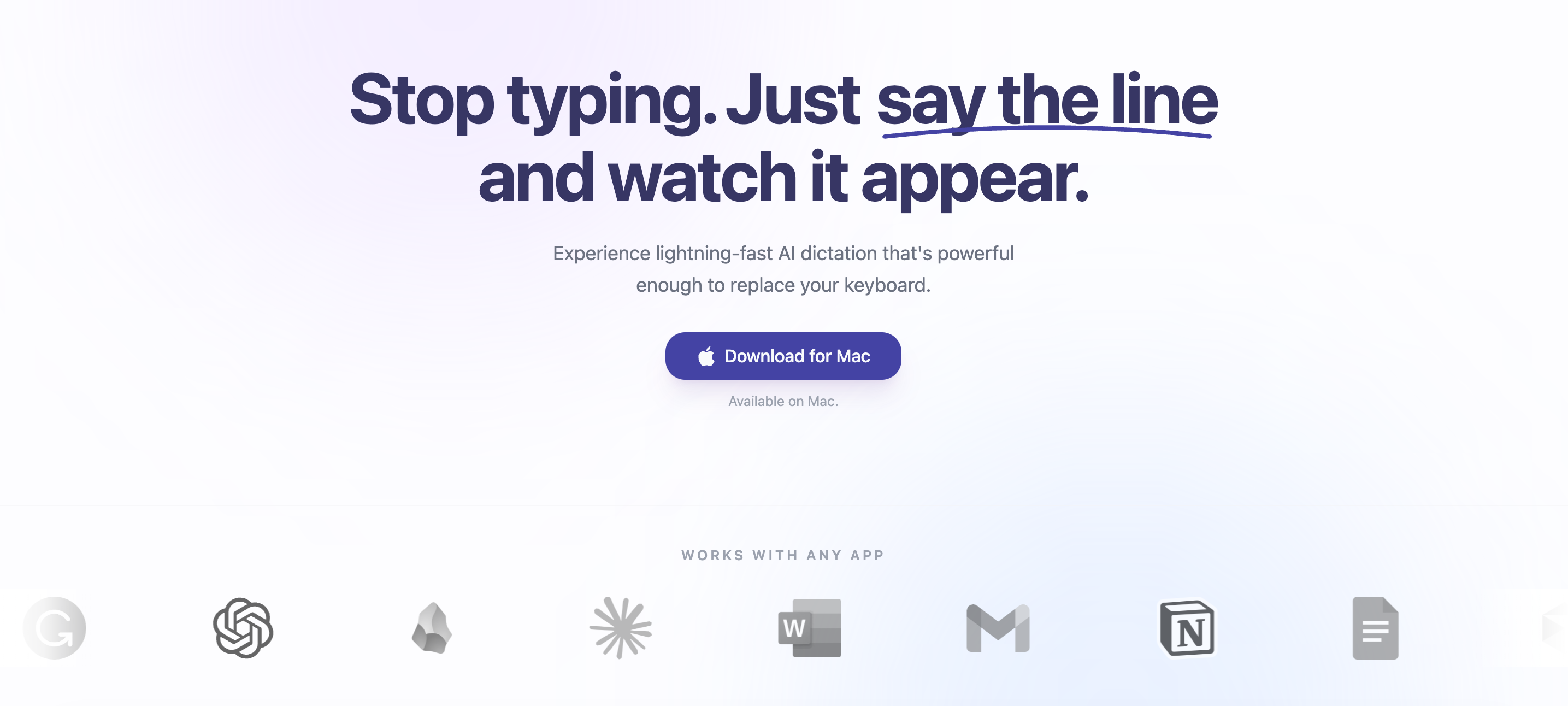
Introduction to Sayline
Sayline is a native macOS application that brings private, local voice dictation to any text field. With global hotkeys, users can replace typing in popular applications such as Gmail, Slack, VS Code, or Notes. It runs entirely on-device using NVIDIA Parakeet and MLX, allowing users to fix grammar, translate, or format text instantly without their audio ever leaving their Mac. This ensures complete privacy and eliminates concerns about cloud security.
Sayline offers a powerful and efficient alternative to manual typing, enabling users to create content at the speed of thought. By eliminating the need to translate ideas into keystrokes, it redefines productivity and makes voice input a seamless part of daily workflows. The app is designed for individuals and teams who value speed, accuracy, and privacy in their digital interactions.
Takeaways
- Native macOS application
- Private and local voice dictation
- Global hotkey support
- Runs entirely on-device with no cloud dependency
- Supports multiple apps including Gmail, Slack, VS Code, and more
- Grammar correction, translation, and formatting available
- No data collection or storage
- One-time purchase model
- Free trial available
How Sayline Works
- Press a hotkey: Users press a predefined keyboard shortcut to activate the voice dictation feature.
- Speak naturally: The user speaks their message or content into the microphone.
- Perfect text appears: The spoken words are transcribed in real time and appear in the target text field.
This process allows for fast and accurate input without the need for manual typing, making it ideal for professionals, students, and anyone looking to improve their workflow efficiency.
Core Benefits and Applications
| Benefit | Description |
|---|---|
| Speed | Dictation is up to 4x faster than typing |
| Privacy | All processing is done locally on the device |
| Accuracy | Advanced AI models ensure high transcription accuracy |
| Convenience | Works across a wide range of applications |
| Cost-Effective | One-time payment instead of recurring subscription |
| Offline Support | No internet connection required |
| Flexibility | Free trial allows users to test before purchasing |
Sayline is an ideal tool for anyone looking to streamline their work, reduce typing fatigue, and enhance their productivity through voice input.
Featured




Showcase your app on AI Apps for free
Join our community of innovators and get your AI tool in front of thousands of daily users.
Get Featured