
Signery - your digital identity
Create professional email signatures in 2 minutes – free
Introduction to Signery - your digital identity
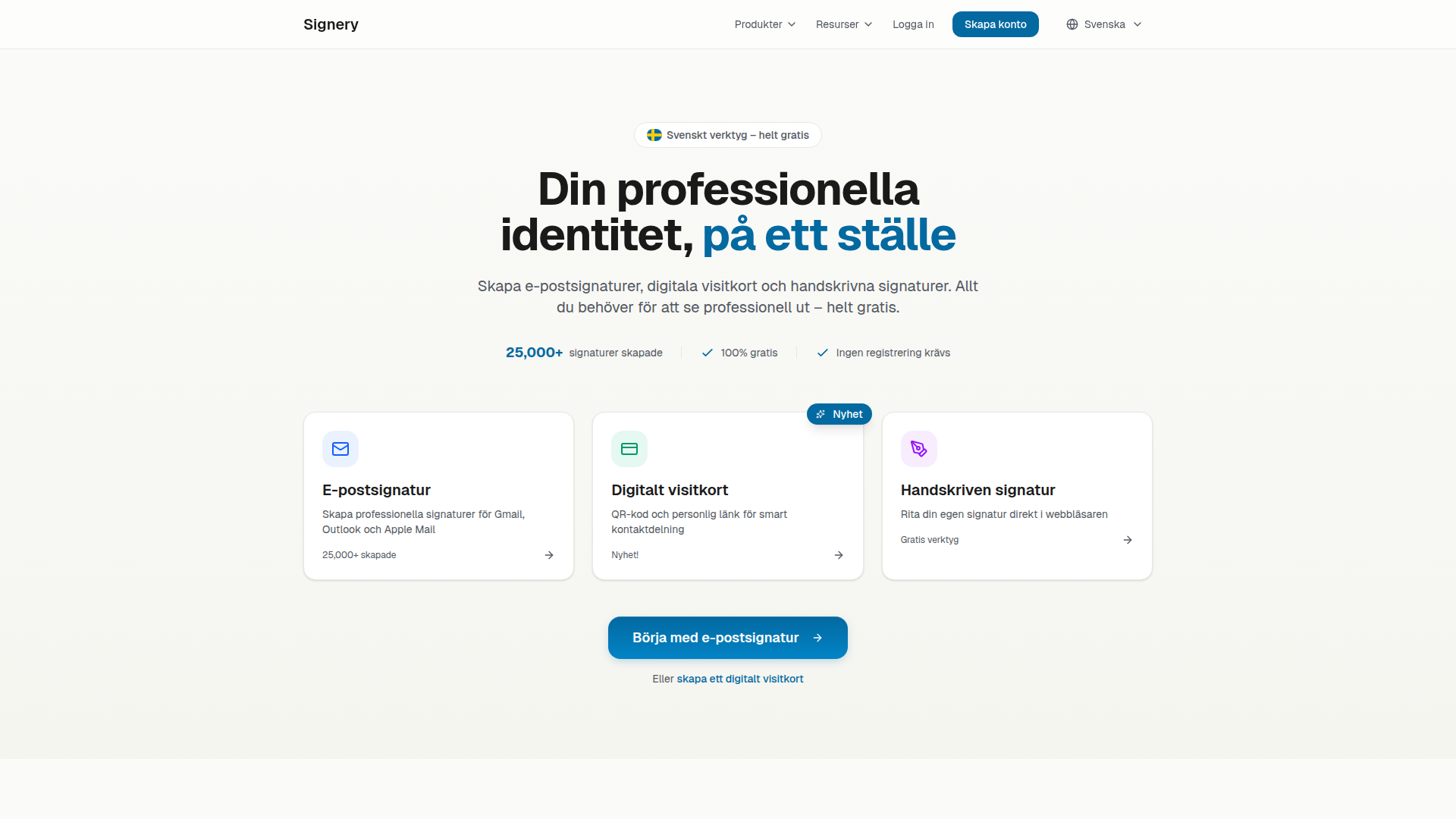
Signery is a powerful and user-friendly tool designed to help professionals create professional email signatures, digital business cards, and handwritten signatures quickly and easily. With no design skills or sign-up required, users can generate polished and functional email signatures in just a few minutes. The platform supports major email clients such as Gmail, Outlook, and Apple Mail, ensuring compatibility and consistency across all platforms.
What sets Signery apart is its intuitive interface and rich set of features that allow for full customization. From selecting from 15+ professionally designed templates (both free and premium) to adding photos, logos, social links, and QR codes, the tool empowers users to craft a signature that reflects their personal or professional brand. Real-time preview and one-click copy make the process seamless, eliminating the need for HTML knowledge. Signery is built with privacy and security in mind, ensuring that user data is not stored on servers and remains fully under the user's control.
Takeaways
- Create professional email signatures in 2 minutes without design skills
- Access 15+ professionally designed templates (free & premium)
- Works perfectly in Gmail, Outlook, and Apple Mail
- Add photos, logos, social links, and QR codes
- Real-time preview during editing
- One-click copy – no HTML knowledge needed
- No watermarks, no forced branding, no email harvesting
- Fully GDPR-compliant with anonymized statistics
- Supports Swedish language and local standards
How Signery Works
Signery operates through a simple three-step process:
- Fill in your information: Enter your name, title, company, and contact details. You can also add a profile photo or logo if desired.
- Choose a template and customize: Select from a variety of professionally designed templates. Customize colors, fonts, and layout to match your style.
- Copy and use: Click the copy button and paste the signature into your preferred email client (Gmail, Outlook, or Apple Mail).
The platform ensures that the generated signature is optimized for all major email clients, maintaining a consistent look and feel regardless of where it is viewed.
Core Benefits and Applications
| Benefit | Description |
|---|---|
| Time-Saving | Create a professional signature in under a minute |
| Customizable | Fully customizable with templates, colors, fonts, and content |
| Cross-Platform Compatible | Works flawlessly in Gmail, Outlook, and Apple Mail |
| Privacy-Focused | No data storage; all processing happens locally in the browser |
| Free to Use | No hidden costs or limitations |
| Analytics Support | Track views, clicks, and engagement with real-time statistics |
| Multilingual Support | Available in Swedish with local standards and phrases |
Signery is ideal for professionals who want to maintain a polished online presence without the hassle of manual design or complex setup.
Featured




Showcase your app on AI Apps for free
Join our community of innovators and get your AI tool in front of thousands of daily users.
Get Featured