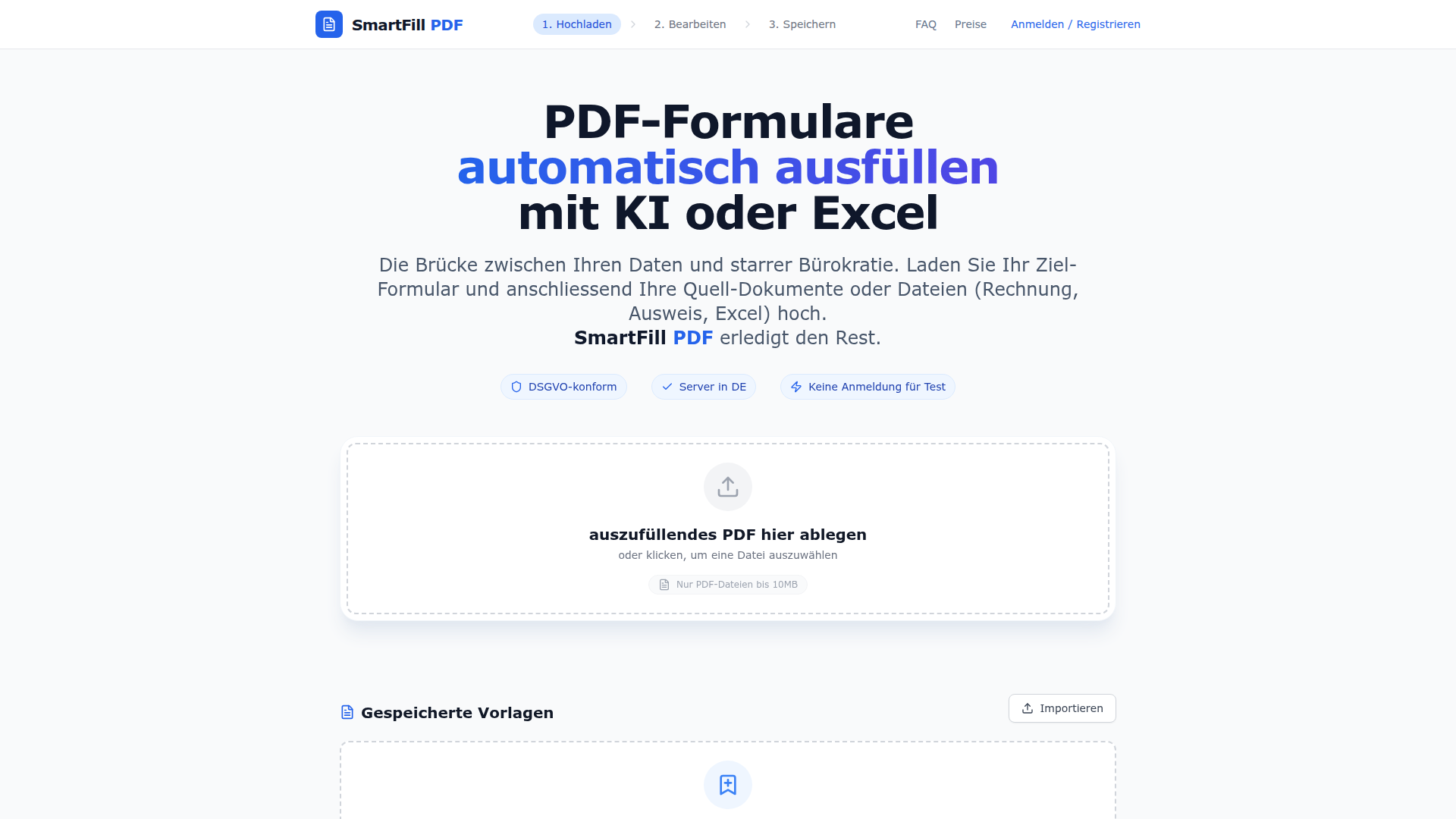
SmartFill PDF is a powerful tool designed to bridge the gap between modern digital data and traditional bureaucratic forms. It allows users to automatically fill out PDF forms using either AI or Excel, eliminating the need for manual data entry. Whether you're dealing with official documents like tax forms, customs declarations, or insurance claims, SmartFill PDF makes the process fast, accurate, and efficient.
The product offers two main methods for filling out forms: one where AI extracts data from documents such as receipts, invoices, and scans, and another where users can upload an Excel sheet and generate multiple PDFs in bulk using a mail merge function. This dual approach ensures flexibility for both individual and large-scale form-filling needs.
SmartFill PDF is DSGVO-compliant and operates on servers located in Germany, ensuring user data remains secure and private. It also provides a seamless web-based experience without the need for software installation, making it accessible across all major platforms.
SmartFill PDF works through a simple four-step process:
SmartFill PDF is ideal for a wide range of use cases, including:
The tool is especially useful for anyone who regularly deals with government forms, insurance claims, or logistics documentation, helping to save time and reduce errors.
| Function | Free | Standard | Plus | Pro |
|---|---|---|---|---|
| Templates | Browser storage only | Cloud storage (2) | Cloud storage (20) | Unlimited cloud storage |
| Fields | Auto-read fields | KI suggestions for names | Additional fields (10) | Additional fields (30) |
| Image Fields | 1 | 1 | 2 | 5 |
| KI Fields | None | 1 | 10 | 30 |
| Data Processing | None | 5/month | 20/month | 200/month |
| Excel Upload | 10 records | 10 records | 10 records | 50 records |
| Webhook | None | None | None | Available |
| Original Attachment | None | None | None | Available |
Join our community of innovators and get your AI tool in front of thousands of daily users.
Get Featured