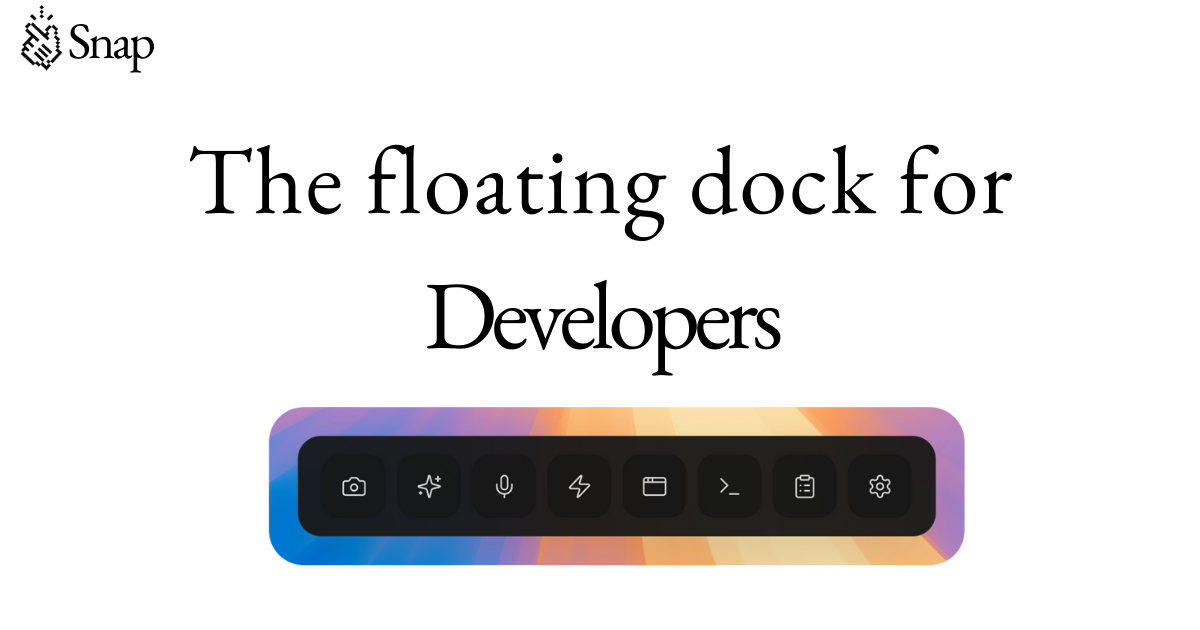
Snap is a floating dock designed specifically for developers, offering a seamless and efficient way to enhance their coding workflow. By integrating with tools like Cursor and Claude Code, Snap allows users to access a wide range of productivity features directly from a floating interface that remains on screen at all times. This makes it an ideal tool for developers who want to streamline their work without switching between multiple windows or losing focus.
Snap's core functionality revolves around making AI-assisted development more intuitive and effective. It provides features such as smart screenshots, prompt optimization, voice input, and custom action buttons, all aimed at improving the developer experience. Whether you're working on a complex project or need quick access to tools and information, Snap ensures that everything you need is just a click away.
Snap operates as a floating interface that stays on top of any application, allowing developers to access essential tools and functions without interrupting their workflow. When used alongside AI-powered code editors like Cursor or Claude Code, it enhances the interaction by providing real-time support through features such as smart screenshots, prompt optimization, and voice-to-text transcription.
The floating dock can be customized with buttons that launch applications, run shell commands, or trigger scripts. Additionally, it supports educational reels that play while AI models are generating code, helping developers learn new skills without breaking their flow. Snap also includes a preview window where developers can visually edit elements and generate clear prompts for their AI agents, making the development process more efficient and precise.
Snap is particularly useful in environments where developers need to switch between tasks quickly and maintain a high level of productivity. Its ability to integrate with various tools and platforms makes it a versatile addition to any developer's toolkit. Whether you're working on a large-scale project or simply looking for ways to improve your daily coding routine, Snap offers a range of features that can help you achieve better results.
| Feature | Description |
|---|---|
| Smart Screenshot | Automatically numbers interactive elements for precise AI communication |
| Prompt Optimizer | Converts vague ideas into structured prompts using Groq LLaMA |
| Voice Input | Transcribes speech into text for hands-free coding |
| Custom Buttons | Launch tools, run scripts, or open URLs with one click |
| Educational Reels | Short coding tips that play during AI generation |
| Preview Window | Visual editing and prompt generation for AI agents |
| Multi-monitor Support | Works seamlessly across multiple displays |
| Prompt History & Replay | Keeps track of previous prompts for easy reference |
| Responsive Design | Adapts to different screen sizes and layouts |
Join our community of innovators and get your AI tool in front of thousands of daily users.
Get Featured