

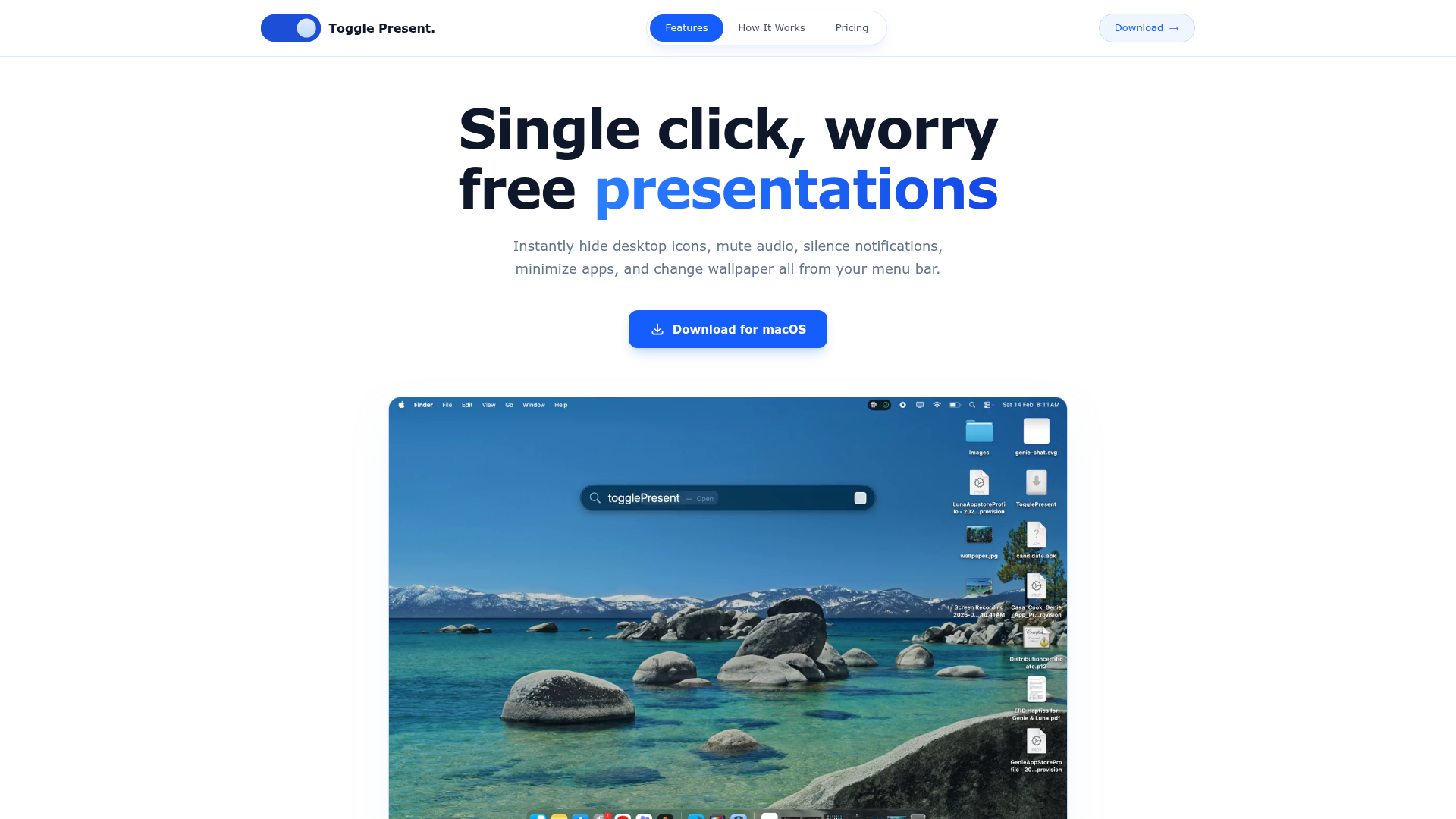
Introduction to TogglePresent
TogglePresent is a macOS menu bar application designed to streamline the process of preparing for presentations, demos, and meetings. With just a single click, it allows users to instantly hide desktop icons, mute audio, silence notifications, minimize active applications, and change the wallpaper—transforming their Mac into a distraction-free environment ideal for professional settings.
This app is particularly useful for individuals who frequently present to clients, colleagues, or audiences. It eliminates the need to manually adjust multiple system settings before starting a presentation, saving time and reducing the risk of technical mishaps during critical moments. TogglePresent offers a simple yet powerful solution that ensures your Mac is always presentation-ready in seconds.
Takeaways
- ✅ Instantly hide desktop icons for a clean screen
- ✅ Mute audio output with one click
- ✅ Silence all notifications to avoid interruptions
- ✅ Minimize all open apps to the dock
- ✅ Change wallpaper to a neutral or branded design
How TogglePresent Works
TogglePresent operates through the macOS menu bar, providing quick access to its core features. Once installed and activated, users can configure which functions they want to toggle. A single click on the menu bar icon switches all selected settings on or off, making it easy to prepare for or exit a presentation.
The workflow includes:
- Install: Download the DMG file, drag the app to the Applications folder, and launch it.
- Activate: Enter the license key provided after purchase.
- Configure: Choose which features to enable.
- Present: Click the menu bar icon to activate all configured settings.
Core Benefits and Applications
| Benefit | Description |
|---|---|
| Time-Saving | Reduces setup time before presentations |
| Distraction-Free | Eliminates visual and auditory distractions |
| Easy to Use | Simple interface with one-click toggles |
| Versatile | Suitable for meetings, demos, and classroom settings |
| Reliable | No subscriptions, no hidden fees |
TogglePresent is an essential tool for anyone who wants to ensure their Mac is always ready for professional use.
Featured




Showcase your app on AI Apps for free
Join our community of innovators and get your AI tool in front of thousands of daily users.
Get Featured