
Logo
Log In
Logo

The Voice AI Platform Most Focused on Developers

ISO 27001
ISO 27001
SOC 2
SOC 2
SSL/TLS
SSL/TLS
APPI
APPI
Products
  • Streaming Speech-to-Text
  • Pre-recorded Speech-to-Text
  • Text-to-Speech
  • Pronunciation Assessment
  • DolphinTeams Dual-Screen Terminal
  • Tralingo AI Translator
  • NihongoScore
Resources
  • Docs
  • Blog
  • AI Apps
  • API Playground
Company
  • About
  • Contact
  • Customers
Legal
  • Privacy Policy
  • Terms of Service
  • Service Level Agreement (SLA)
  • Notations based on SCTA
  • DolphinTeams User Manual
© 2026 DolphinVoice All Rights Reserved.
ProductsVoxWrite
VoxWrite

VoxWrite

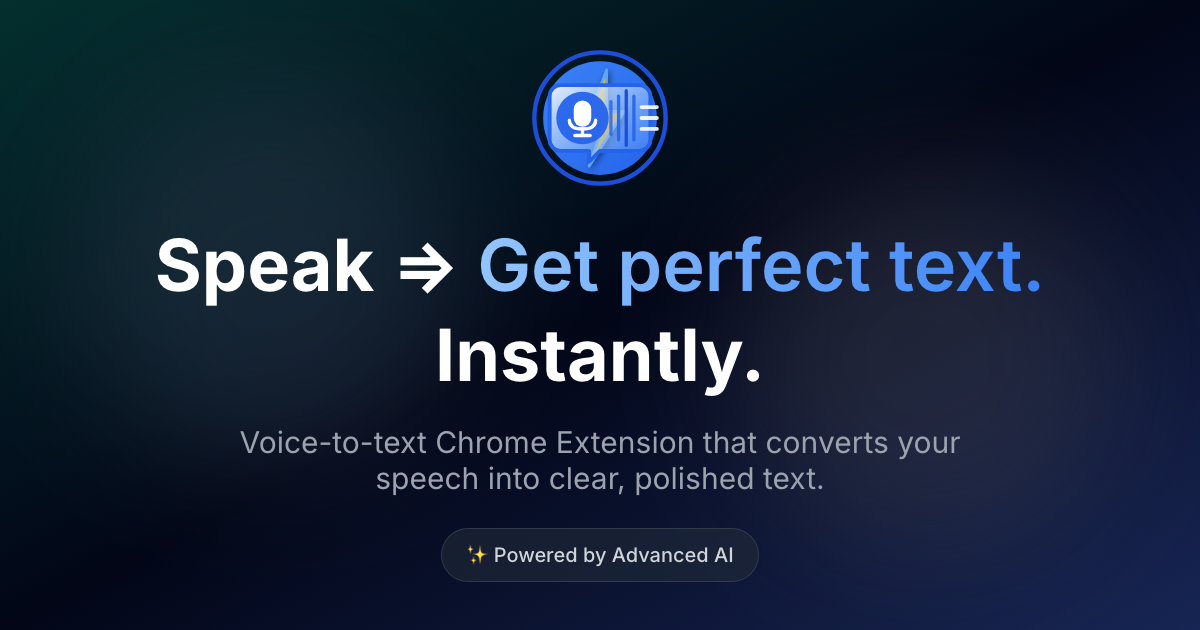
Speak casually, get perfect text instantly

1 VotesVisit Website
VoxWrite Screenshot
VoxWrite Preview
Visit Website

Introduction to VoxWrite

VoxWrite is a powerful dictation Chrome extension that transforms your messy speech into polished, clear text instantly. Designed for users who want to save time and improve productivity, it removes filler words, adjusts tone (from casual to professional), translates text into 50+ languages, and works seamlessly across all websites in your browser. With its ability to remember rules per site, VoxWrite adapts to your needs without requiring manual formatting or editing. Whether you're drafting emails, writing notes, or creating content, VoxWrite helps you speak naturally and get perfect text in seconds.

The tool is built on advanced AI technology, making it easy to use without any training required. It supports multiple output formats such as emails, structured text, social media posts, and more. VoxWrite also offers flexibility by allowing users to bring their own API keys for full control over the AI engine. This makes it ideal for professionals, students, and anyone looking to streamline their workflow with voice-to-text capabilities.

Takeaways

  • Converts messy speech into clean, professional text
  • Removes filler words and corrects grammar automatically
  • Translates text into 50+ languages
  • Works on every website in your browser
  • Remembers custom rules per site for consistent formatting
  • Supports multiple output formats (email, notes, social media, etc.)
  • Offers flexibility with custom API integration
  • 3x faster than typing
  • No manual editing required

How VoxWrite Works

VoxWrite operates through a simple four-step process:

  1. Add to Chrome or Edge: Install the extension from the Chrome Web Store or Microsoft Edge Add-ons store. It takes only 10 seconds to set up and starts working immediately on any website.
  2. Select Output Format: Choose from pre-built templates or create custom rules to define how the text should be formatted, styled, or translated.
  3. Click & Talk: The microphone appears wherever you need to type—such as in emails, documents, or messaging apps. Speak naturally, even with mistakes or filler words.
  4. Your Text Appears: After you finish speaking, VoxWrite generates clean, well-punctuated text based on your selected format. If no rules are set, it provides a straightforward transcription with improved grammar and clarity.

Pro tip: Use custom prompts like "Write in professional tone" or "Translate to English" to get instant transformations of your spoken words.

Core Benefits and Applications

Use CaseDescription
Email WritingConvert casual speech into professional emails in Gmail or other platforms
Note TakingOrganize messy thoughts into bullet points or clean paragraphs
Content CreationTurn brainstorming sessions into structured articles or blog posts
Social MediaGenerate engaging posts directly from voice input
Customer SupportCreate consistent and friendly responses in support tools
Form FillingSpeak your answers and let VoxWrite fill out forms automatically
Meeting NotesAutomatically generate action items and key points from meetings
Multilingual CommunicationSpeak in one language and write in another with automatic translation

Tags

#dictation#voice-to-text#AI-powered#productivity#transcription#language translation#chrome extension#note taking#email writing#time-saving

Featured

Guideflow

Guideflow

The AI demo automation platform for SaaS

1259
CyberCut AI

CyberCut AI

AI video studio for viral social clips

706
Incredible

Incredible

Deep Work AI Agents - powered by Agent MAX

653
Typeless

Typeless

AI voice dictation that's actually intelligent

625

Showcase your app on AI Apps for free

Join our community of innovators and get your AI tool in front of thousands of daily users.

Get Featured
DolphinVoice Console

BlogPage.PromoContent.title

BlogPage.PromoContent.description

BlogPage.PromoContent.cta

