Introduction to DataVaulture
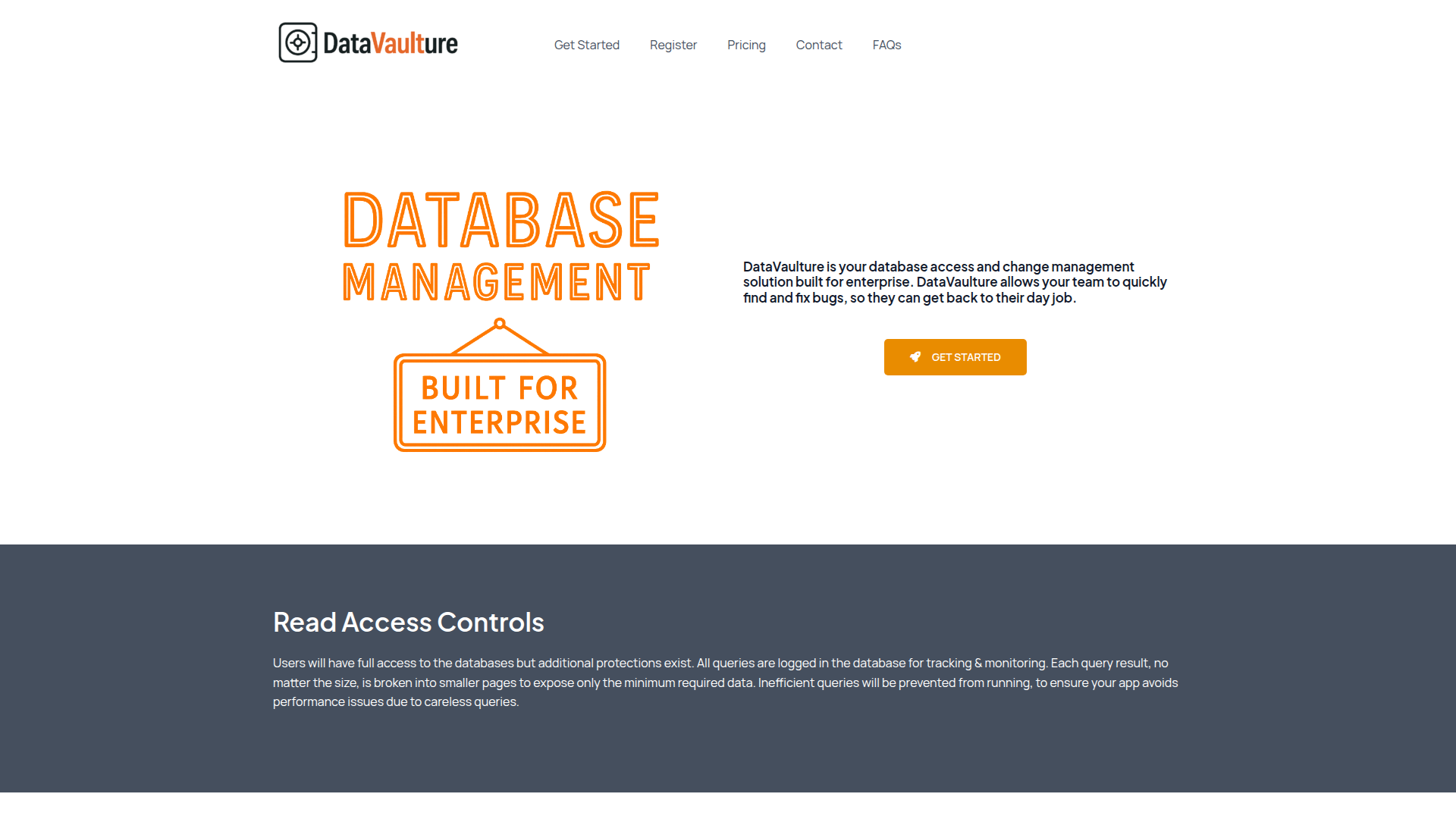
DataVaulture is a database client designed specifically for enterprise environments, offering robust tools for database access and change management. It empowers teams with secure, controlled access to databases while ensuring that all changes are properly reviewed and tracked. The product simplifies the process of managing database interactions, making it easier for teams to maintain data integrity and compliance.
With features such as read-only access, user-specific workspaces, and automated rollback capabilities, DataVaulture ensures that even complex database operations can be performed safely. It also provides a streamlined workflow for creating, reviewing, and approving changes, reducing the risk of errors and improving overall efficiency in data management processes.
Takeaways
- Secure Database Access: Users have read-only access to databases with full query logging and performance safeguards.
- Change Request Workflow: Users create change requests, which are then reviewed and approved before being committed.
- Automated Rollbacks: Each change generates an automatic rollback to quickly reverse unintended updates.
- User and Role Management: Simplified onboarding and offboarding with customizable roles and permissions.
- Efficient Query Handling: Inefficient queries are prevented, and results are paginated to limit data exposure.
How DataVaulture Works
DataVaulture operates by providing users with a secure interface to interact with databases. When a user logs in, they are presented with their personalized workspace, which includes saved settings and configurations. For any database modifications, users must submit a change request, which is then evaluated by designated approvers. Once approved, the change is executed, and a rollback is automatically generated.
The system also tracks all database activity, including queries and changes, ensuring full transparency and accountability. Additionally, DataVaulture enforces strict access controls, preventing unauthorized or potentially harmful operations.
Core Benefits and Applications
| Benefit | Description |
|---|---|
| Enhanced Security | Read-only access and query logging prevent unauthorized data manipulation. |
| Improved Compliance | Audit trails and change approvals ensure adherence to internal policies and regulations. |
| Streamlined Workflows | Automated rollbacks and approval processes reduce manual effort and error rates. |
| Scalable User Management | Easy onboarding, offboarding, and role-based access control support growing teams. |
| Performance Optimization | Prevents inefficient queries from impacting application performance. |