
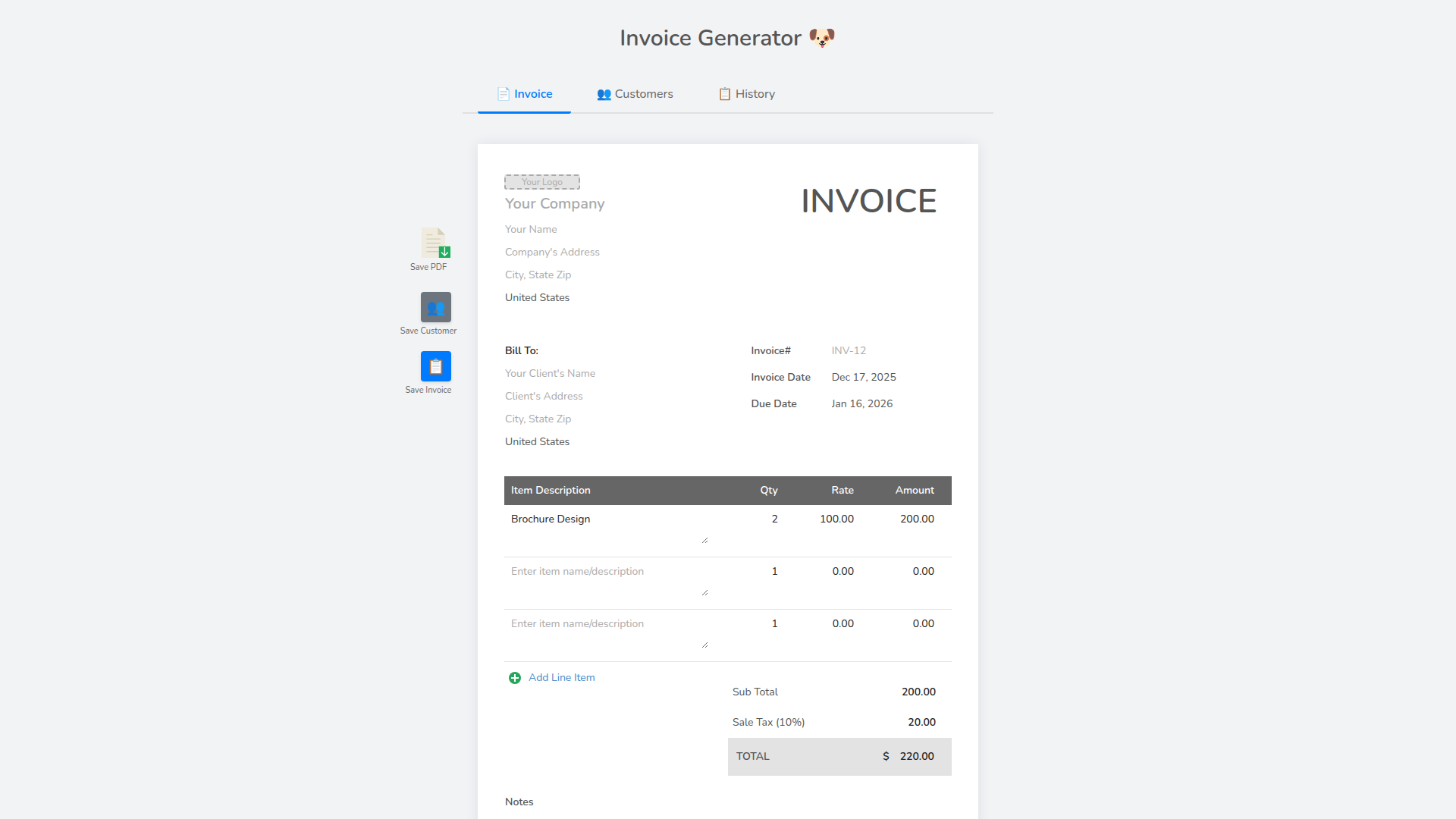
Introduction to InvoiceDog - Invoice Generator
InvoiceDog is a powerful and user-friendly invoice generator designed to help businesses quickly create, send, and save professional invoices. Whether you're a small business owner, freelancer, or service provider, this tool simplifies the invoicing process so you can focus on growing your business. With its intuitive interface and feature-rich design, InvoiceDog makes it easy to manage customers, track invoices, and streamline payment collection—all without requiring an account.
The product offers a straightforward approach to creating invoices, allowing users to input customer details, add line items, calculate totals, and generate PDFs for immediate download or email. It also includes features like saving customer information and previous invoices for quick access and editing. This makes it ideal for businesses that need to issue multiple invoices efficiently while maintaining accurate records.
Takeaways
- Quick and easy invoice creation
- No account required
- Save customers and invoices for future use
- Generate and download PDF invoices
- Simple interface with clear navigation
- Supports adding line items and calculating totals
- Ideal for freelancers, small businesses, and service providers
How InvoiceDog Works
InvoiceDog operates through a simple, web-based interface where users can start by entering customer details. Once a customer is saved, they can be selected for future invoices. Users then add line items with quantities, prices, and descriptions, and the system automatically calculates the total amount due. After finalizing the invoice, users can generate a PDF for download or email directly to the client. All data is stored locally, ensuring privacy and convenience without the need for registration.
Core Benefits and Applications
InvoiceDog is particularly beneficial for professionals who need to issue invoices on a regular basis but don't want the complexity of full accounting software. Its simplicity makes it accessible for users with little to no technical background. The ability to save customer and invoice data ensures consistency and reduces repetitive data entry. Additionally, the lack of account requirements means users can start using the tool immediately without any setup steps. This makes it an excellent choice for solo entrepreneurs, consultants, and small teams looking for a lightweight yet effective invoicing solution.




