
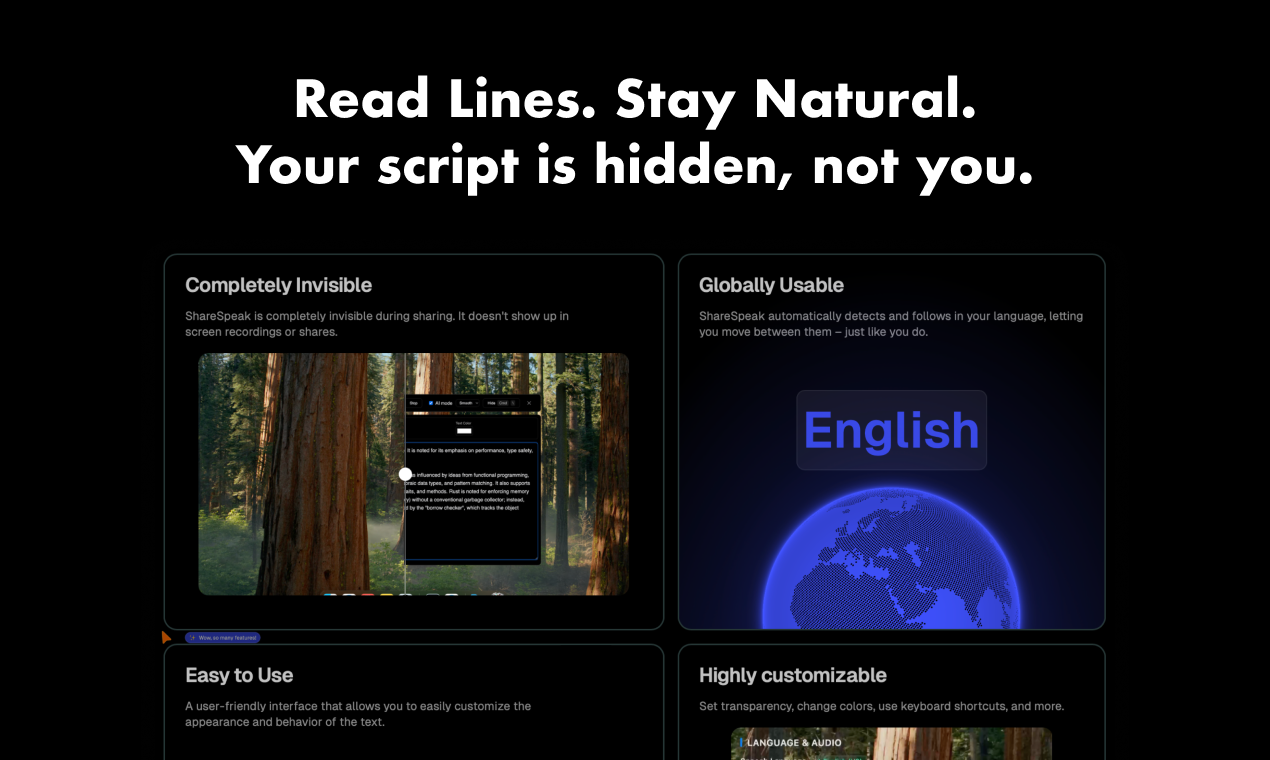
Introduction to ShareSpeak
ShareSpeak is an AI-powered invisible teleprompter designed for presenters, content creators, and educators who need to deliver professional-quality presentations and video content. It operates seamlessly in the background during screen sharing and recordings, allowing users to focus on their delivery without visual distractions. With voice-activated scrolling and intelligent text management, ShareSpeak offers a hands-free experience that enhances clarity and confidence during live or recorded sessions.
The product is ideal for a wide range of applications, including webinars, tutorials, live coding demonstrations, and video content creation. Its intuitive interface allows users to customize the appearance and behavior of the text, while its adaptive scrolling and automatic language detection ensure a smooth and personalized experience. ShareSpeak aims to eliminate the common challenges of memorizing scripts or fumbling with physical teleprompters by providing a smart, invisible solution.
Takeaways
- AI-driven autocue: Natural speech control for voice-activated scrolling
- Invisible during sharing: No visual elements appear in screen recordings or live streams
- Automatic language detection: Supports multiple languages and adapts to user input
- Customizable settings: Adjust speed, font size, color, and transparency
- Keyboard shortcuts: For manual control over scrolling and playback
- Multilingual support: Offers flexibility for global users
How ShareSpeak Works
ShareSpeak functions as a background application that integrates with your workflow. Once activated, it processes the script you provide and dynamically scrolls the text based on your voice commands or predefined speed settings. The AI ensures that the text aligns naturally with your speaking pace, reducing the need for manual adjustments. During screen sharing or recording, the teleprompter remains completely hidden, preserving the professional look of your presentation.
Users can also manually control the scrolling using keyboard shortcuts, making it suitable for both automated and interactive scenarios. The app's ability to detect and switch between languages adds to its versatility, especially for multilingual speakers or international audiences.
Core Benefits and Applications
| Benefit | Description |
|---|---|
| Hands-free control | Voice-activated scrolling eliminates the need for manual input |
| Invisible design | Ensures a clean, professional appearance during live or recorded sessions |
| Language adaptability | Automatically detects and follows user language, supporting multiple languages |
| Customization | Users can adjust font size, color, speed, and transparency for optimal visibility |
| Easy integration | Works seamlessly with popular platforms and screen-sharing tools |
| Time-saving | Reduces preparation time and improves delivery quality |
| Use Case | Description |
|---|---|
| Webinars | Enables smooth delivery of content without breaking eye contact |
| Tutorials | Helps maintain focus while explaining complex concepts |
| Live coding | Assists in keeping the camera focused on the screen during demonstrations |
| Video content creation | Streamlines the process of creating high-quality videos |
| Online teaching | Enhances engagement by maintaining eye contact with students |
Additional Features
- Lifetime access with no subscriptions or hidden fees
- 30-day money-back guarantee for risk-free trial
- Mobile version available for iOS devices
- User-friendly interface with intuitive controls
- Support for eye-tracking technology to improve natural interaction




