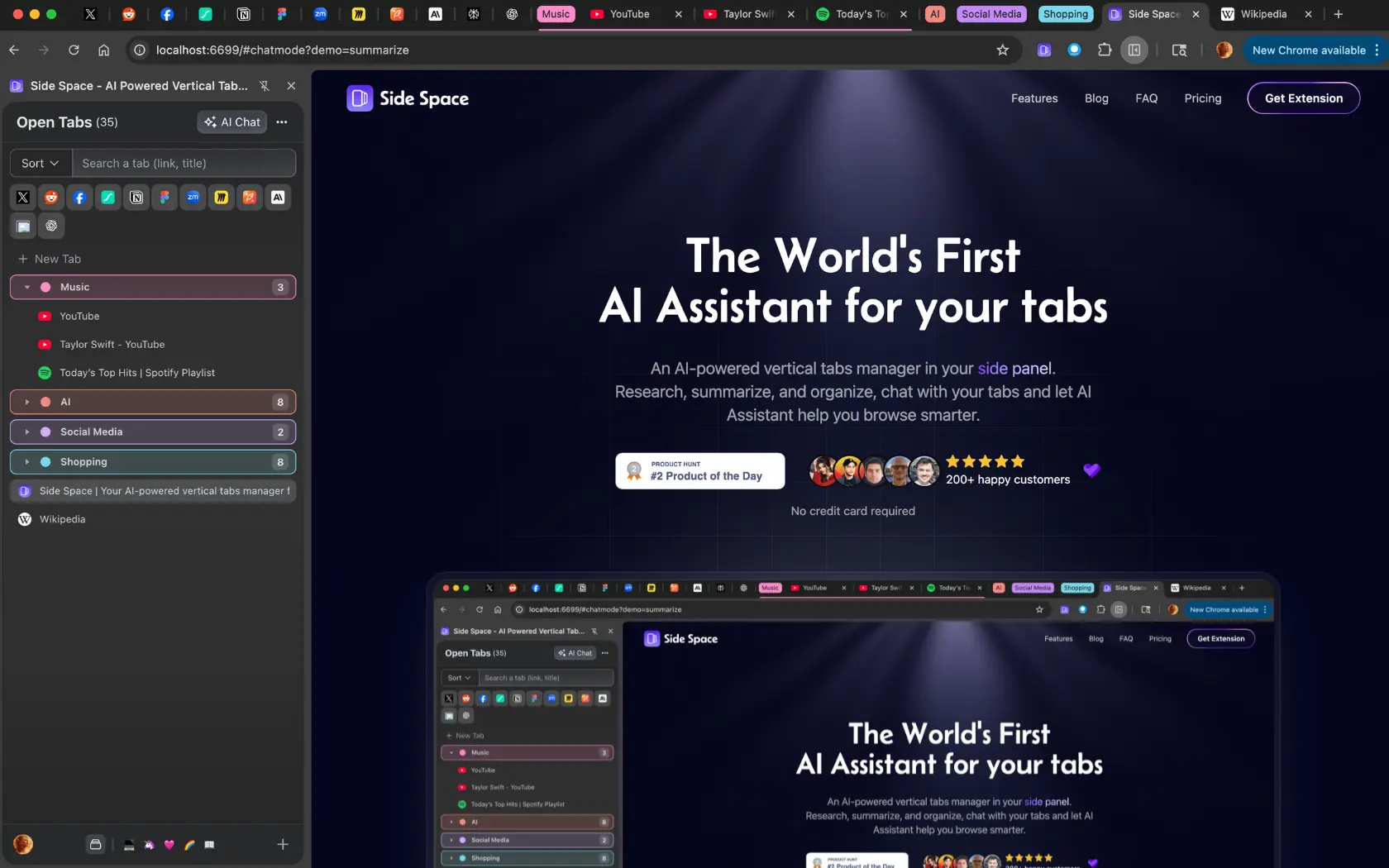
Side Space 2.0 is an AI-powered vertical tabs manager designed to live in your browser's side panel, offering a streamlined and intelligent way to manage open tabs. It allows users to research, summarize, organize, and chat with their tabs, making browsing more efficient and less overwhelming. The product combines the power of artificial intelligence with intuitive tab management features to help users stay focused and productive.
With Side Space 2.0, users can create dedicated spaces for different activities such as work, social media, shopping, study, or hobbies—all within a single browser window. This enables users to switch between spaces seamlessly and maintain a clutter-free browsing environment. Additionally, the app supports syncing across multiple browsers and devices, ensuring that your workspace remains consistent no matter where you are.
Side Space 2.0 functions as a Chrome extension that integrates directly into the browser's side panel. Users can manage their tabs in a vertical layout, which makes it easier to scan and switch between them. The app also includes a powerful AI assistant called Side Copilot, which allows users to interact with their tabs through natural language commands. This includes summarizing content, grouping tabs by context or domain, and even automating repetitive tasks like searching history or organizing windows.
Users can also create and manage multiple spaces—each tailored to a specific purpose. For example, one space might be dedicated to work-related tabs, while another is used for personal browsing. These spaces can be synced across devices and browsers, providing a consistent experience wherever the user goes.
| Benefit | Description |
|---|---|
| Improved Productivity | Manage multiple tabs efficiently and reduce cognitive load. |
| Enhanced Organization | Group and categorize tabs into meaningful spaces. |
| AI-Powered Assistance | Use Side Copilot to automate tasks and get summaries of your browsing activity. |
| Cross-Platform Sync | Keep your tabs and spaces synchronized across browsers and devices. |
| Customizable UI | Choose from themes and customize the appearance to suit your preferences. |
| Free and Paid Options | Access basic features for free, with advanced tools available in paid plans. |